
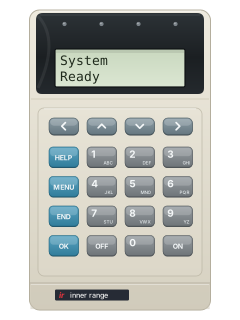
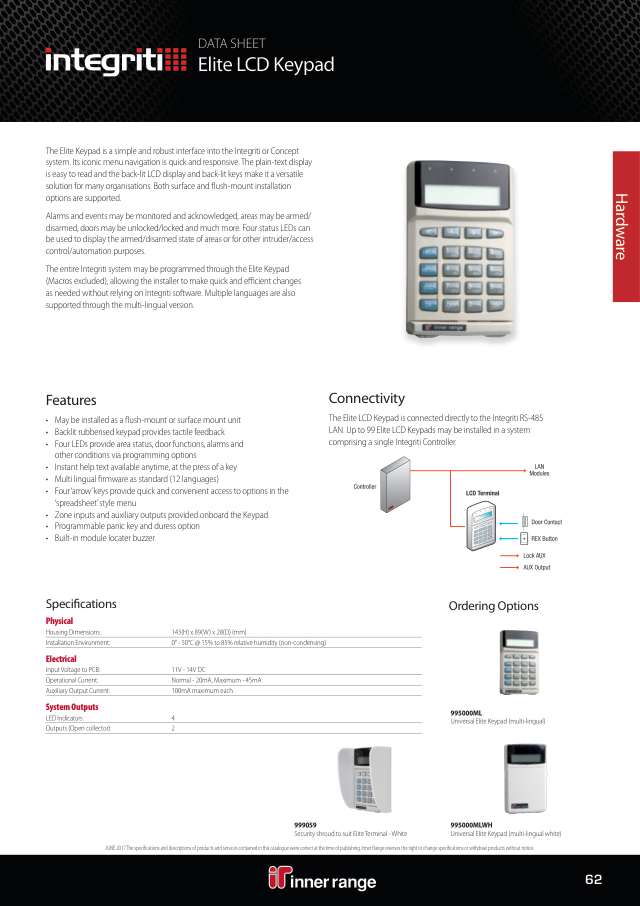
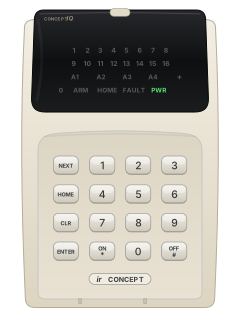
Elite LCD terminal
Inner Range Integriti manuals
Start hereIntegriti User GuideUser guide · 57 pages · 4.2 MBRead it nowIntegriti Elite LCD terminal cheat sheet
Arm (away)your codeOKONoryour codeONyour codeOKON/OFF
- Elite/EliteX or Prisma: enter PIN, OK, select the area with up/down and press ON. These quick keys are for those terminals.
- Wait for the input check and arming confirmation, then leave before exit time ends. Press END to log off.
- Quick arm works only if enabled: PIN, ON. On Elite LCD it needs terminal version 8.3 or later.
- Weatherproof, if enabled: PIN, OK; with CODE lit and ARMED off, press ON/OFF. Check ARMED lights, then 0 to log off and leave.
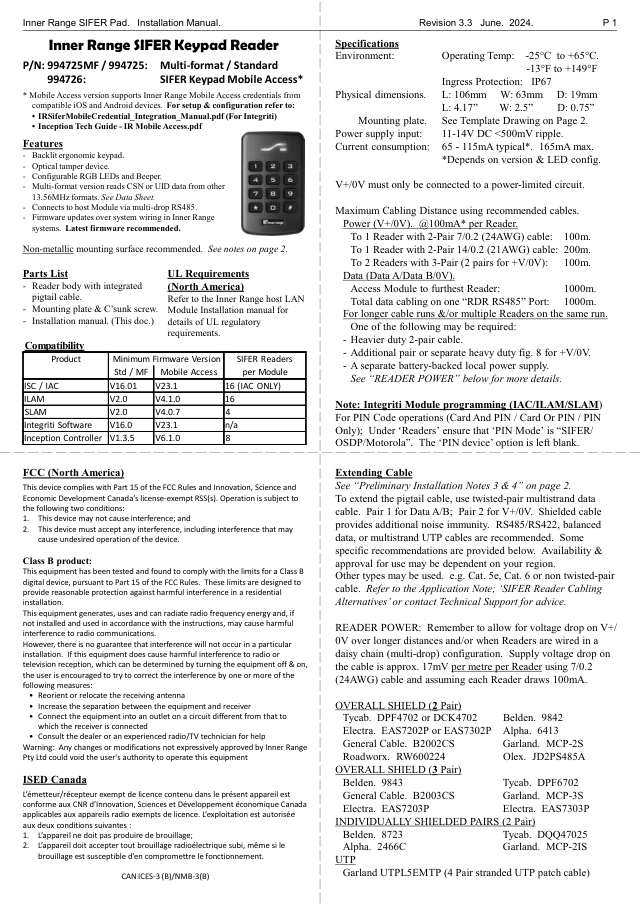
- SIFER reader: ask your installer for the procedure configured for your site.
Disarmyour codeOKOFFyour codeOKON/OFF
- Elite/EliteX or Prisma: enter PIN, OK, select the armed area with up/down and press OFF before entry time ends.
- Read and acknowledge any alarm messages first. Check the area is off and press END to log off.
- Elite LCD: left arrow selects Area List On/Off; choose the list, then OFF. Only areas you are allowed to control turn off.
- Weatherproof, if enabled: PIN, OK; with CODE and ARMED lit, press ON/OFF. Check ARMED goes out, then 0 to log off.
- SIFER reader: ask your installer for the procedure configured for your site.
Bypass a zoneyour codeOKMENU3your codeOKMenu
- Elite/EliteX, with isolation rights: enter PIN, OK, MENU, 3. Integriti calls bypassing isolating an input.
- Select the input by its name: use the number key for its first letter, then down to find it and OK.
- Press OFF to isolate until the next disarm. ON restores it now; the right arrow isolates it until explicitly restored.
- Press OK for another input or END to leave. Prisma: PIN, OK, Menu; select Isolate with arrows, then OK.
- Prisma: follow its input-selection prompts. SIFER and weatherproof: use an Elite/EliteX terminal for the isolation steps above.
Alarm memoryyour codeOKthenOK
- Elite/EliteX or Prisma: enter PIN, OK. On Prisma, select the event with the scroll wheel. Read it, then press OK to acknowledge; repeat.
- Elite/EliteX history: log on, then MENU, 1, 1. If enabled, MENU, 1 also works while logged off.
- Prisma history, if enabled while logged off: press the Menu softkey, then 2 for Review. Its menu differs from Elite.
- Use up/down to browse events. END leaves on Elite/EliteX; Prisma uses the Back softkey.
- SIFER and weatherproof: use an Elite/EliteX or Prisma terminal for alarm messages and history.
Panic alarmHELPHELPHELP
- Elite/EliteX or Prisma, if panic is enabled: press HELP three times in a row without logging on. Other pictured devices: see their own guides.
- Elite/EliteX: one HELP press shows Help at Term.; two show Press HELP again for Panic. Prisma prompts for a further HELP press too.
- Prisma: make each next press within 30 seconds. If you have pressed HELP twice by mistake, press END to cancel.
- What happens next, such as sirens or a silent report, depends on how it's set up.
Trouble messages
- Your installer can set terminals to show status messages for power, battery, communication or network problems. Each stays until fixed.
- Report a message, such as Module(s) missing, to your system administrator or installer. AC fail: check the plug-pack is on, if you can reach it.
- Messages starting Input(s) are the Prisma's wording; an Elite or EliteX may word them differently.
- A terminal beeping every 2 seconds as an area is about to arm: a timed disarm is ending. Turn the area off again to restart its timer.
- SIFER and weatherproof keypads: see their own guides for their lights.
Pages 7, 11, 13 of the Integriti User ManualPages 10, 14 of the Colour Graphic Terminal User Manual Rev 3.1Input(s) AC fail, or Some module(s) AC Power off (Elite) A module has lost mains power Input(s) low batt, or Input(s) batt test fail A module's battery is low, or failed a battery test Input(s) LAN comms problem A module isn't talking to the Control Module: maybe cable damage or a module fault Input(s) cabinet tamper Someone has tried to open or remove a module's case Input(s) isolated Inputs are isolated; if that was for a fault, the device or wiring may need service * Illegal Pin *, then Keypad Lockout (Elite/EliteX) Wrong PIN; after several tries the keypad locks, normally for 60 seconds PIN has been Discovered (Elite/EliteX) Someone tried to choose your PIN: press OK to carry on, then get it changed Area light flashing (Elite/EliteX) Alarm in that area (if the lights are set to show areas) Send a test signalyour codeOKMENU82
- Elite or EliteX, if your installer has allowed it: log on (PIN, OK), then press MENU, 8, 2 (Service, Test Report).
- It sends a test report to your monitoring centre, if your installer has set test reports up. The screen shows Time Report Triggered.
- Prisma, SIFER and weatherproof: their guides show no test report; use an Elite or EliteX terminal.
Why is my keypad beeping or showing a trouble light?
Most keypads beep or light up a trouble indicator when something needs attention, such as a low backup battery, a power cut or a lost phone or internet connection. Your user guide explains what each light or code means on your model. If it keeps happening, or you are not sure, call your installer or monitoring company.
All Inner Range Integriti manuals
User guides 8
Installer manuals 52
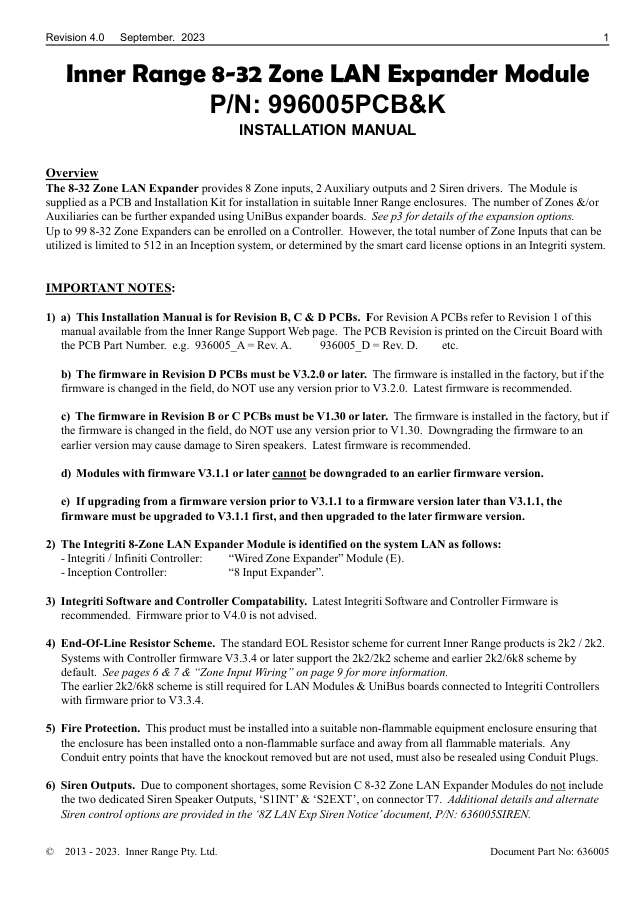
Nothing here matches that.
Try a shorter search, or search every brand.
More Inner Range models
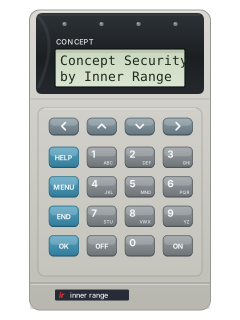
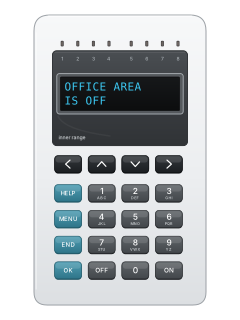
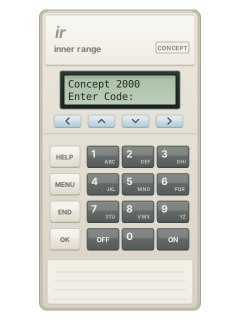
Is anyone watching your alarm?
An alarm that only makes a noise relies on someone hearing it. A monitored alarm reports to our A1 graded, NZSA approved control room, watched 24/7 by a team that is New Zealand owned and operated. We can monitor most existing alarms, so you may not need a new one. Thinking about a new alarm or security cameras? Ask us for a quote.
Prefer to talk now? Call us on 0800 339 999.
Home: alarm monitoringBusiness: business monitoringInstaller: bureau monitoring


Manuals are the property of their manufacturers and are provided for reference only; their inclusion here does not imply any endorsement by the manufacturer.