
Find the manual for the alarm on your wall
Why is my keypad beeping or showing a trouble light?
Most keypads beep or light up a trouble indicator when something needs attention, such as a low backup battery, a power cut or a lost phone or internet connection. Your user guide explains what each light or code means on your model. If it keeps happening, or you are not sure, call your installer or monitoring company.
Every brand we hold, A to Z
![]() 2 Gig
2 Gig![]() Abbra Visonic
Abbra Visonic![]() Actuate
Actuate- ADE
![]() Ademco
Ademco- ADT
![]() AEI
AEI![]() AJAX
AJAX![]() Alnet
Alnet![]() Altron
Altron- Aritech
![]() Arrowhead
Arrowhead- AT&T
- Avolution
![]() AXIS
AXIS![]() Beninca
Beninca![]() Bosch DVR
Bosch DVR![]() Bosch EDM
Bosch EDM![]() Bosch G Series
Bosch G Series![]() Bosch Sensors
Bosch Sensors![]() Bosch Smoke Beam
Bosch Smoke Beam- Brinks
![]() C&K
C&K![]() Caddx NX Reliance
Caddx NX Reliance![]() Centurion
Centurion![]() CheKT
CheKT![]() Chiptech
Chiptech![]() Chubb AFX
Chubb AFX![]() Crow
Crow- CSP
![]() Dahua
Dahua![]() DAS DL100 - 200
DAS DL100 - 200![]() Davinci
Davinci![]() Detection Systems
Detection Systems![]() DMP
DMP![]() DSC
DSC![]() Eagle Alarm Lock
Eagle Alarm Lock![]() Edimax
Edimax![]() ELK
ELK![]() Evacom
Evacom![]() FBII
FBII- First Alert Professional
![]() G-tronix timer
G-tronix timer![]() Gallagher
Gallagher![]() GE Interlogix Careguard
GE Interlogix Careguard![]() Genesis
Genesis- Guardall
![]() Halo
Halo![]() HID
HID![]() Hikvision
Hikvision![]() Hills Home Hub
Hills Home Hub![]() Honeywell
Honeywell![]() Housewatch
Housewatch![]() ICT
ICT![]() Inner Range
Inner Range![]() Inovonics
Inovonics![]() ITI + Simon
ITI + Simon![]() Jablotron
Jablotron![]() Kalatel
Kalatel![]() Leviton Omnia
Leviton Omnia![]() Linear
Linear![]() Linksys
Linksys![]() Logicom
Logicom![]() M2M Communicator
M2M Communicator![]() March DVR
March DVR![]() MCM
MCM- Menvier
![]() Microlatch
Microlatch![]() Micron
Micron![]() Milestone
Milestone![]() Monotron
Monotron![]() Moose
Moose![]() NAD
NAD![]() Napco
Napco![]() Nemon
Nemon- Nemtek
![]() Ness
Ness![]() Never Alone
Never Alone![]() Nidac
Nidac- Novar
![]() NX Witness
NX Witness![]() Omnicron
Omnicron![]() Optex
Optex![]() Optima
Optima![]() Osborne Hoffman
Osborne Hoffman![]() Pacific GSM
Pacific GSM![]() Pacom
Pacom![]() Parabeam
Parabeam![]() Paradox
Paradox![]() Pelco DVR
Pelco DVR![]() Permaconn
Permaconn![]() PIMA
PIMA![]() Protector Elite Wireless
Protector Elite Wireless![]() Pulsor
Pulsor- Pyronix
![]() Qolsys
Qolsys![]() Radionet
Radionet![]() Radionics
Radionics![]() Rascal
Rascal![]() Risco
Risco![]() Rogers Technology Gate
Rogers Technology Gate![]() Roiscok
Roiscok![]() Satel
Satel- Scantronic
![]() Secure Wireless
Secure Wireless![]() Secury360
Secury360![]() Sentrol
Sentrol- SimpliSafe
- Sirius
- Sonitrol
![]() Summit
Summit- SUPA
![]() Tecom
Tecom![]() Telsar
Telsar![]() Texecom
Texecom![]() Trikdis
Trikdis![]() Tunstall
Tunstall![]() U-Prox
U-Prox![]() Veritas
Veritas![]() Verkada
Verkada- Videofied
![]() Visonic
Visonic![]() WDA Solar Beams
WDA Solar Beams- Wizmart
- X10 Powerhouse
- Yale
![]() Z-Delay Timer Relay
Z-Delay Timer Relay![]() Zero Wire
Zero Wire- Zeus EG80







































































































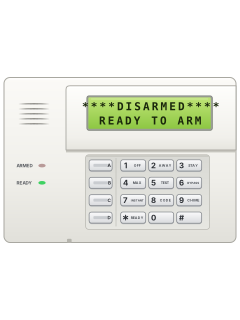
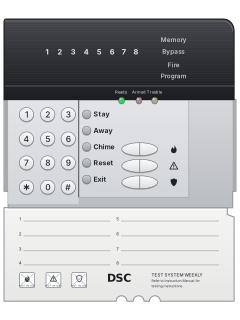
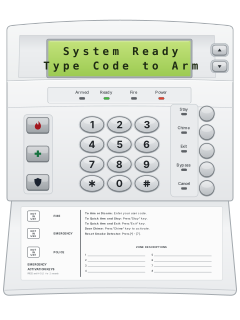
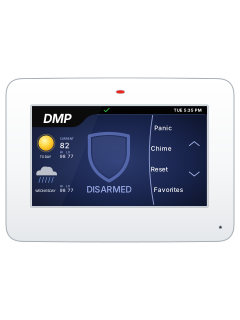
Which keypad is on your wall?

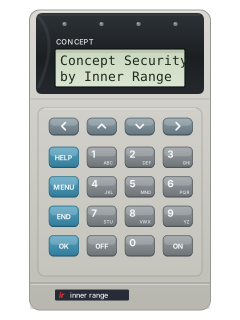
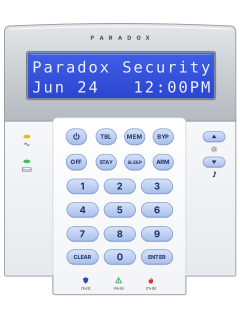
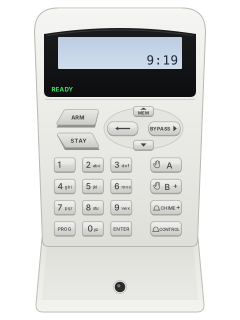
LCD keypad
Arrowhead Elite S / SX
36 manuals
Also fitsElite V8 / V6 Powerwave, 15 manualsElite ECi, 11 manuals
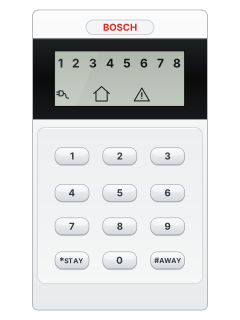
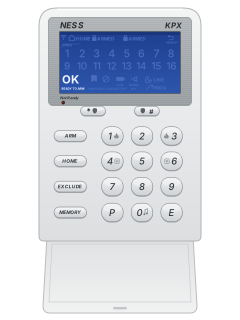
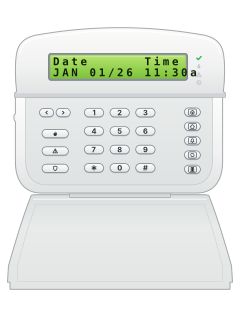
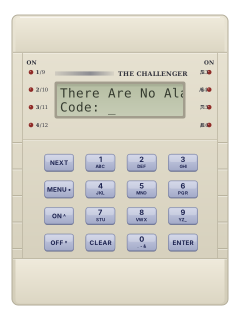
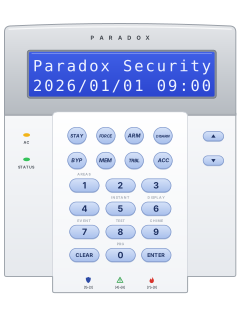
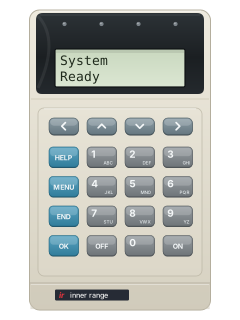
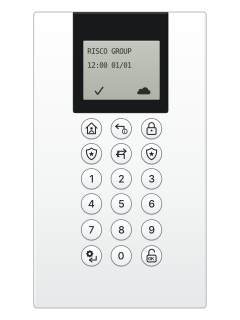
RW332KPP / RP432KPP2 / RW432KPPPanda LCD keypad: wireless for Agility, wired or wireless for LightSYS
Risco LightSYS
4 manuals
Also fitsAgility, 22 manuals
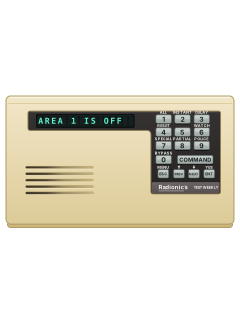
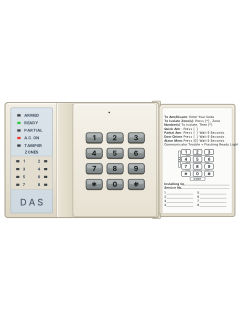
LED code pad
DAS DL100 - 200
4 manuals
Also fitsDL150, 2 manualsDL200, 3 manualsDL250, 7 manualsDL300, 6 manuals100L, 1 manual
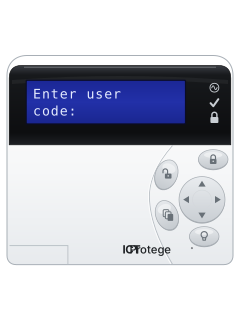
PRT-KLCDAlphanumeric LCD keypad
ICT Protege Keypads
4 manuals
Also fitsProtege GX, 6 manualsProtege SE, 5 manualsProtege LE, 3 manualsProtege WX, 4 manuals
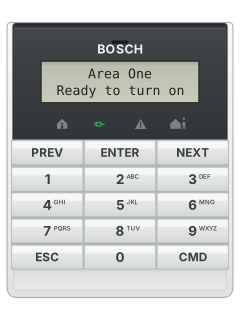
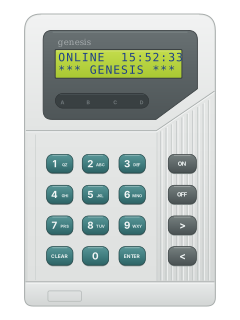
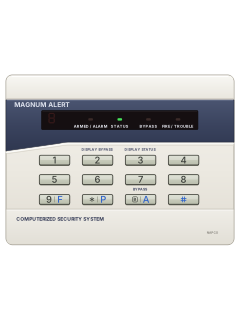
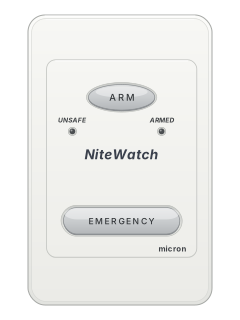
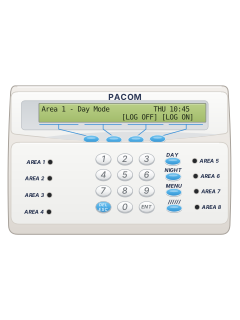
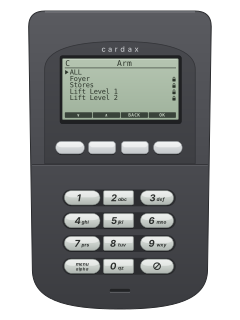
Not on the wall? , or search for the name printed on your keypad.
Popular brands
Questions people ask us
Can Alarm Watch monitor my existing alarm?
In most cases, yes. Alarm Watch can monitor most existing alarms, whatever the brand, as long as the alarm can send signals by phone line, internet or cellular. Some older panels need a new communicator first. Have the brand and model to hand (the keypad on your wall is a good clue) and call us on 0800 339 999, or get in touch online.
Are these manuals free?
Yes. Every manual here is free to read and save, with no account needed. They remain the property of their manufacturers, and we share them as a reference for owners and technicians.
Which alarms does the library cover?
User guides, installation manuals, programming guides and datasheets for the alarms most Kiwis have on their wall, such as the Inner Range Concept 4000 and Integriti, DSC PowerSeries and Neo, Paradox Spectra and EVO, Bosch Solution, Ness D8x, Tecom Challenger and the New Zealand made Arrowhead Elite. We also hold older systems like Ademco Vista, Radionics and Moose, plus communicators, cameras and access control from Permaconn, Hikvision and ICT Protege.
How do I find my alarm's make and model?
Look at the keypad first: the brand is often printed on the front or inside the cover, sometimes with the model. The paperwork your installer left, such as an invoice or the user guide, usually names it too. There is also a label inside the main control box, but leave opening that to your installer, as it can set off a tamper alarm. If your alarm is monitored, your monitoring company will have it on file (Alarm Watch customers can call us on 0800 339 999).
I can't find my model. What now?
Try searching just the brand, or a shorter part of the model number (for example 1616 rather than PC1616H). Many manuals cover a whole family of panels, so the guide for a sister model often applies. You can also match your keypad to our drawings on the library home page.
Is it safe to change settings myself?
Stick to the tasks your user guide covers, such as arming and disarming, changing your own code or setting the time. Installer programming (zones, communicator and reporting settings) is best left to a technician, because one wrong setting can stop your alarm reaching the monitoring centre. If you are monitored, let your monitoring company know before you change anything.
Why is my keypad beeping or showing a trouble light?
Most keypads beep or light up a trouble indicator when something needs attention, such as a low backup battery, a power cut or a lost phone or internet connection. Your user guide explains what each light or code means on your model. If it keeps happening, or you are not sure, call your installer or monitoring company.
My alarm uses the phone line. Can it still be monitored?
Often, yes. Copper phone lines are being switched off in many parts of New Zealand, but many older panels can keep reporting with a communicator that sends signals over cellular or the internet instead. Your installer or monitoring company can tell you what yours would need.
Is anyone watching your alarm?
An alarm that only makes a noise relies on someone hearing it. A monitored alarm reports to our A1 graded, NZSA approved control room, watched 24/7 by a team that is New Zealand owned and operated. We can monitor most existing alarms, so you may not need a new one. Thinking about a new alarm or security cameras? Ask us for a quote.
Prefer to talk now? Call us on 0800 339 999.
Home: alarm monitoringBusiness: business monitoringInstaller: bureau monitoring

Manuals are the property of their manufacturers and are provided for reference only; their inclusion here does not imply any endorsement by the manufacturer.