

ICT manuals
ICT (Integrated Control Technology) was founded in Auckland in 2003 and makes the Protege access control and intruder alarm range. We hold 33 documents for Protege GX, WX, SE and LE, plus reader and expander guides.
Not sure which ICT model you have?
Pick your ICT model
Every ICT keypad we have drawn
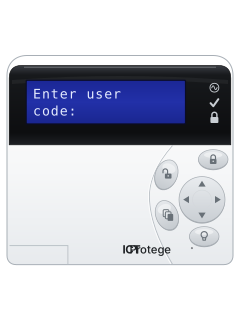
PRT-KLCDAlphanumeric LCD keypad
Protege Keypads
4 manuals
Also fitsProtege GX, 6 manualsProtege SE, 5 manualsProtege LE, 3 manualsProtege WX, 4 manuals
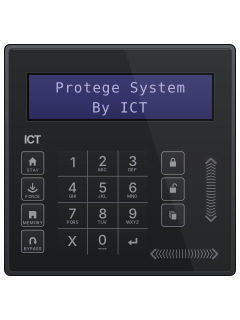
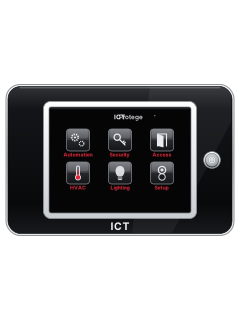
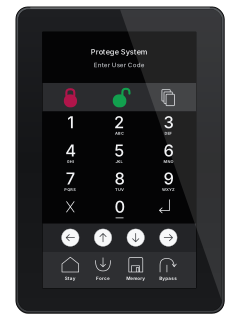
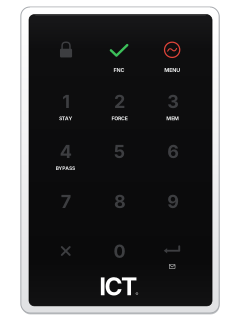
PRT-KLCDAlphanumeric LCD keypad
Protege GX
6 manuals
Also fitsProtege Keypads, 4 manualsProtege SE, 5 manualsProtege LE, 3 manualsProtege WX, 4 manuals
PRT-KLCDAlphanumeric LCD keypad
Protege SE
5 manuals
Also fitsProtege Keypads, 4 manualsProtege GX, 6 manualsProtege LE, 3 manualsProtege WX, 4 manuals
PRT-KLCDAlphanumeric LCD keypad
Protege Keypads
4 manuals
Also fitsProtege GX, 6 manualsProtege SE, 5 manualsProtege LE, 3 manualsProtege WX, 4 manuals
PRT-KLCDAlphanumeric LCD keypad
Protege LE
3 manuals
Also fitsProtege Keypads, 4 manualsProtege GX, 6 manualsProtege SE, 5 manualsProtege WX, 4 manuals
More ICT models
Every ICT manual
Other ICT documents
User guides 6
Installer manuals 27

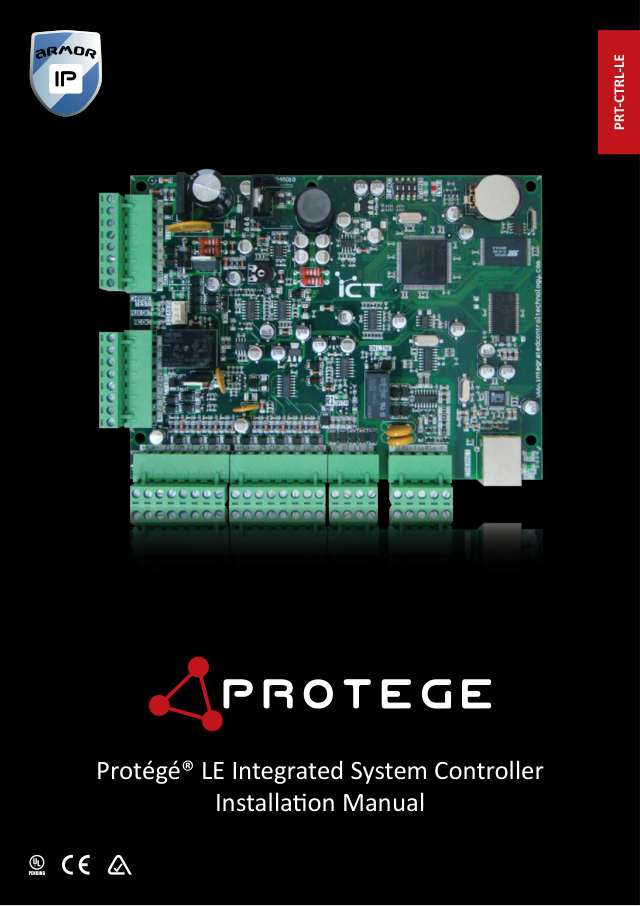
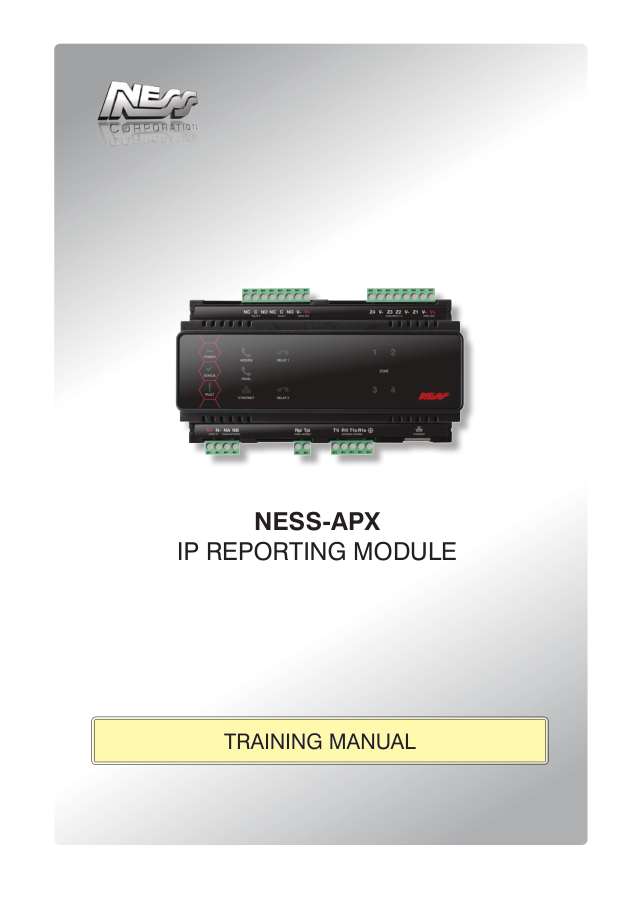
Nothing here matches that.
Try a shorter search, or search every brand.





Is anyone watching your alarm?
An alarm that only makes a noise relies on someone hearing it. A monitored alarm reports to our A1 graded, NZSA approved control room, watched 24/7 by a team that is New Zealand owned and operated. We can monitor most existing alarms, so you may not need a new one. Thinking about a new alarm or security cameras? Ask us for a quote.
Prefer to talk now? Call us on 0800 339 999.
Home: alarm monitoringBusiness: business monitoringInstaller: bureau monitoring


Manuals are the property of their manufacturers and are provided for reference only; their inclusion here does not imply any endorsement by the manufacturer.