
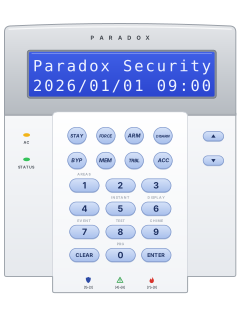
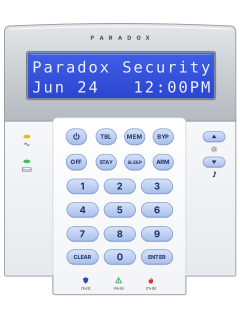
K641 / K641RLCD keypad (button version)

Paradox Digiplex manuals
Start hereParadox Digiplex DGP 641 LCD Keypad User ManualUser guide · 62 pages · 1.3 MBRead it nowKeypad cheat sheet
Arm (away)your codeARMorholdARM
- These are the LCD and LED keypad keys. On a Grafica keypad (colour picture screen), see its own guide.
- Shut every door and window. Digiplex calls this Regular arming; all zones must be closed (STATUS green). Leave before the exit time ends.
- Key in your code, then press [ARM]. With more than one area, press its number, or [0] for all. The STATUS light flashes green during the exit time.
- Leaving a zone open? Press [FORCE] instead, if your installer and your code allow it. That zone arms once it closes.
- If your installer has turned on one-touch arming, holding [ARM] for two seconds arms without a code.
Arm while homeyour codeSTAYoryour code5
- These are the LCD and LED keypad keys. On a Grafica keypad (colour picture screen), see its own guide.
- Digiplex calls this Stay arming. The zones your installer set as stay zones, such as motion detectors, stay off.
- Key in your code, then [STAY]. With more than one area, press its number, or [0] for all. The LCD shows 'Stay Arming'; an LED keypad lights STAY.
- Instant arming uses [5] instead of [STAY]. Entry delays are removed unless your installer has set Instant Arming with Delay.
- Your code must be allowed to stay arm. If your installer has turned it on, holding [STAY] works without a code.
Disarmyour codeDISARM
- These are the LCD and LED keypad keys. On a Grafica keypad (colour picture screen), see its own guide.
- Come in through your usual entry door. The keypad beeps while the entry time counts down.
- Key in your code, then press [DISARM]. With more than one area, press its number, or [0] for all. The LCD shows 'Success Disarm'.
- On a DGP2-641 LCD keypad, your code alone disarms as you come in. [DISARM] is for when you're already inside.
- Alarm went off by mistake? Key in your code to stop it, then ring your monitoring company straight away.
Bypass a zoneyour codeBYP2-digit zoneENTER
- These are the LCD and LED keypad keys. On a Grafica keypad (colour picture screen), see its own guide.
- Each detector or door contact is a zone. A bypassed zone stays unarmed, and goes back to normal when you disarm.
- Key in your code, press [BYP], then the 2-digit zone number (for example 07). An LED keypad lights it; key it again to undo it.
- On an LCD keypad you can also scroll to the zone with the arrow keys and press [BYP]. The screen shows 'zone bypassed'.
- Press [ENTER] to save. A long beep means that zone can't be bypassed (fire zones never can) or your code can't.
Alarm memoryMEM
- These are the LCD and LED keypad keys. On a Grafica keypad (colour picture screen), see its own guide.
- After an alarm, the LCD shows 'Alarms in Memory [MEM] to View'. An LED keypad lights MEM.
- Press [MEM]. The LCD lists each zone under 'Alarm in:'. An LED keypad lights those zone numbers.
- Press [CLEAR] to leave the list. It empties the next time that area is armed.
- After a burglar alarm, get out and ring your monitoring company from somewhere safe.
Reset smoke detectorsholdCLEAR+ENTERhold*+#
- For a false fire alarm, key in your code to silence it, then ring your monitoring company.
- Once smoke has cleared, reset only if the fire zone has not reset itself.
- K641 button keypad: hold [CLEAR] and [ENTER] together for two seconds.
- Grafica: hold [*] and [#] together for two seconds, if your installer has set up smoke reset.
- K641 delayed fire zone: [CLEAR] within 30 seconds delays reporting; if smoke remains, the alarm sounds again after 90 seconds.
Panic alarmhold1+3orhold4+6orhold7+9holdthe key with a shield on itorholdthe key with a warning triangle on itorholdthe key with a flame on it
- These are the LCD and LED keypad keys. On a Grafica keypad (colour picture screen), hold its shield, triangle or flame key for two seconds instead.
- Press and hold both keys together for two seconds.
- [1] and [3] (the Grafica's shield key) is the emergency panic, [4] and [6] (triangle) the auxiliary panic, and [7] and [9] (flame) the fire panic.
- Your installer decides which ones work, what help each asks for, and whether each is silent or sounds the siren.
Change a codemaster code0ACC01new codeCLEAR
- These are the LCD keypad keys (the LED keypad's last key is below). On a Grafica keypad (colour picture screen), see its own guide.
- The System Master Code (user 01) can change every code. Key it in, then press [0] and [ACC].
- Key in the 2-digit user number (01 for the master code itself), then the new code.
- Master code: on an LCD keypad, press [CLEAR] to finish. An LED keypad beeps when the code is complete; press [ENTER].
- Other users: after the new code, press the up arrow until you reach area assignment, then press [ENTER] to save.
Set the date and timeyour codeTRBL8timedateENTER
- These are the LCD keypad keys (the LED keypad's last key is below). On a Grafica keypad (colour picture screen), see its own guide.
- Key in your code, then press [TRBL] and [8].
- Key in the time on the 24-hour clock (9 pm is 21:00), then the date as year, month, day.
- LCD keypad: move the cursor with the up arrow to the number to change, and press [ENTER] when done. LED keypad: press [CLEAR] instead.
- 'Clock Loss' in the trouble list means the time and date were lost and need setting again.
Trouble lightsTRBL
- These are the LCD and LED keypad keys. On a Grafica keypad (colour picture screen), see its own guide.
- The LCD shows 'Trouble(s) [TRBL] to View'. An LED keypad lights TRBL.
- If your installer turned on trouble beeps, a K641 LCD keypad beeps until you press [TRBL] or the trouble clears.
- Press [TRBL]. LCD: read the message and scroll with the arrow keys. LED: press a lit group number to see more.
- Tell your monitoring company about any trouble except Clock Loss, which you can fix yourself.
Pages 32 to 36 of the Paradox Digiplex DGP 641 LCD Keypad User ManualPages 27 to 29 of the Digiplex 48-Zone LED Keypad User ManualGroup 1: System Power cut (the AC light goes out and the backup battery takes over), battery problem, siren fault or an overloaded power output Group 2: Communicator The panel can't use the phone line or reach the monitoring company Group 3: Modules An add-on module has a tamper, power, battery or phone fault Group 4: Bus A keypad or module has stopped talking to the panel Group 5: Zone tamper The zones shown have been tampered with Group 6: Zone low battery A wireless device in the zone shown needs a new battery Group 7: Zone fault A wireless device has lost contact, or a fire loop or smoke detector has a fault Group 8: Clock loss The time and date were reset: set them again Send a test signalmaster code0STAY
- These are the LCD and LED keypad keys. On a Grafica keypad (colour picture screen), see its own guide.
- Use it when your installer or monitoring company asks. It needs the System Master Code or a code with the Master feature.
- Key in that code, press [0], then [STAY]. The panel sends a test report to your monitoring company.
- The system test can also send a report, if your installer set it up: ring your monitoring company first, then key in your code and [8].
Why is my keypad beeping or showing a trouble light?
Most keypads beep or light up a trouble indicator when something needs attention, such as a low backup battery, a power cut or a lost phone or internet connection. Your user guide explains what each light or code means on your model. If it keeps happening, or you are not sure, call your installer or monitoring company.
All Paradox Digiplex manuals
User guides 5
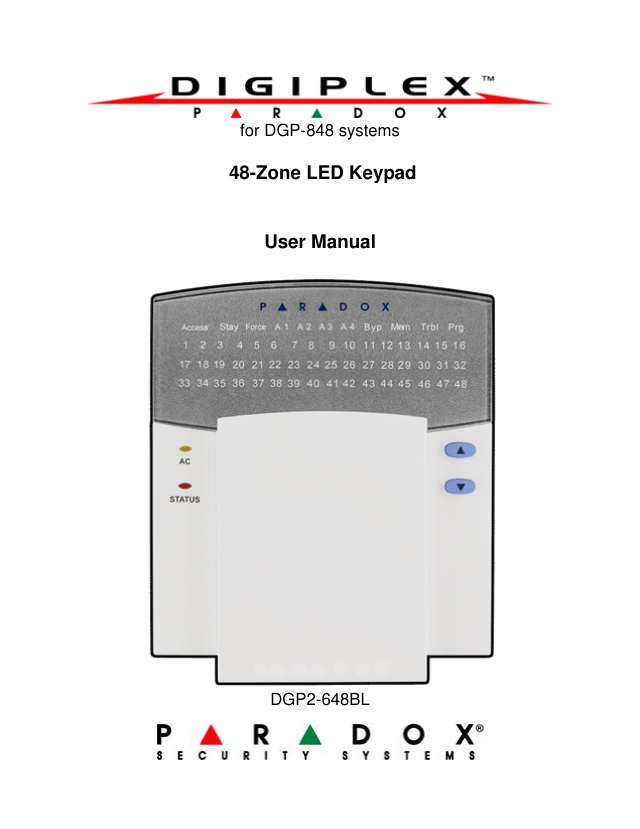
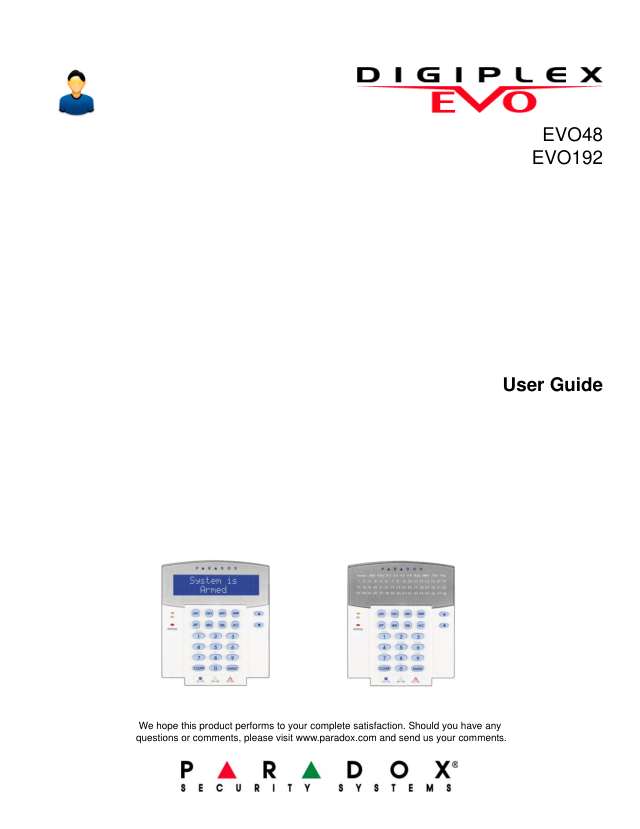
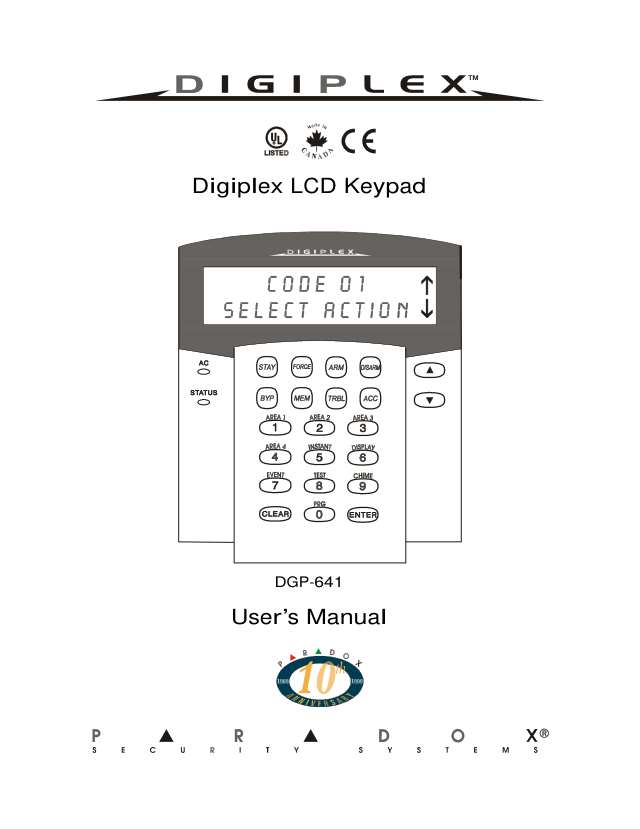
Installer manuals 15



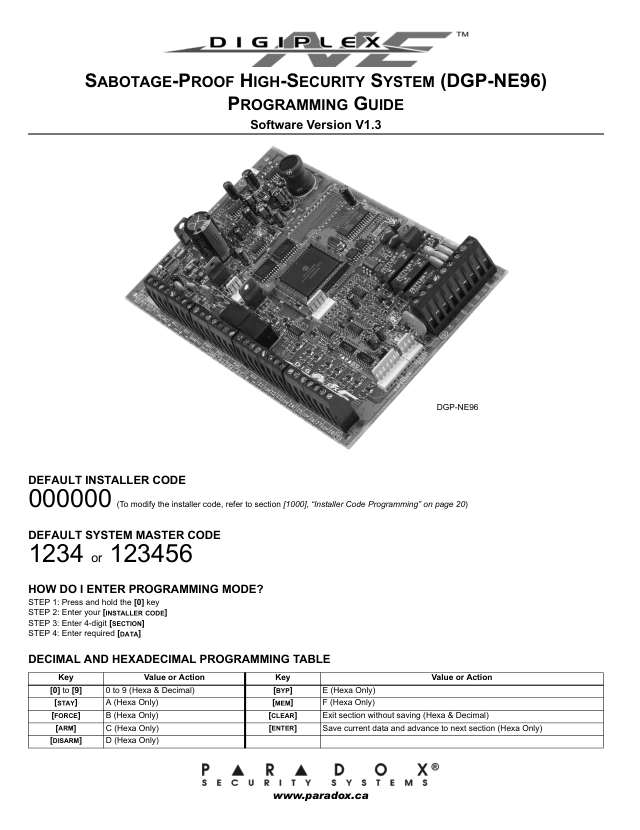
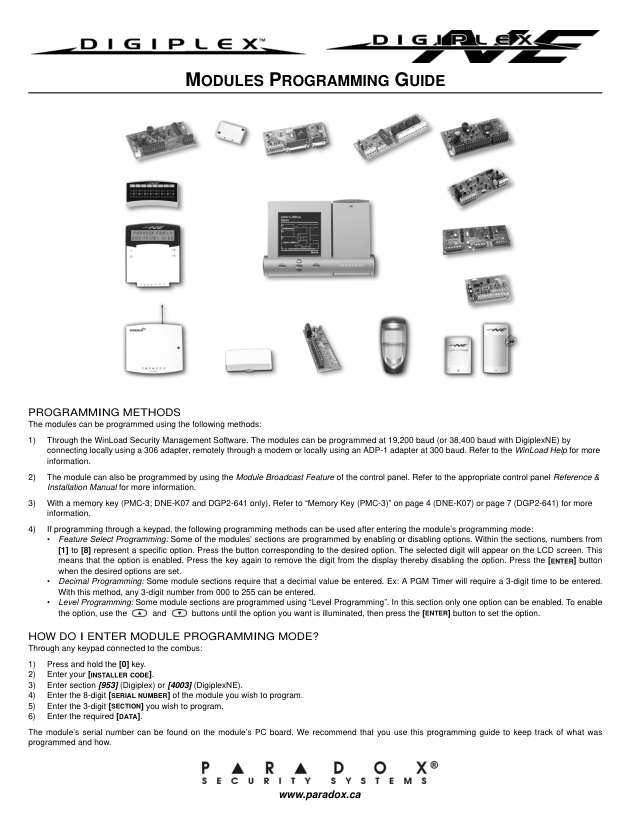
Nothing here matches that.
Try a shorter search, or search every brand.
More Paradox models
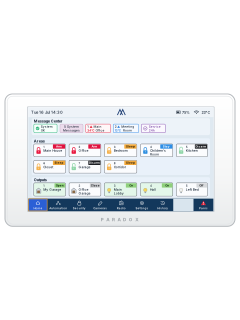
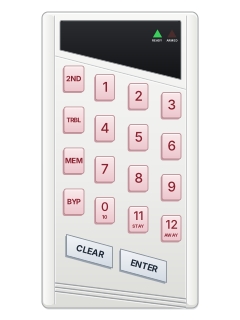
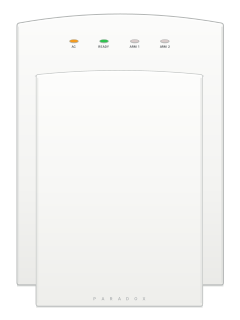
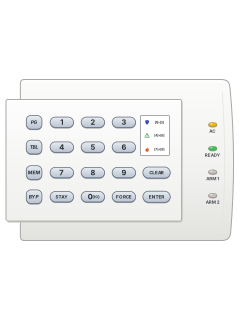
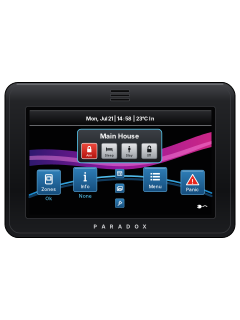
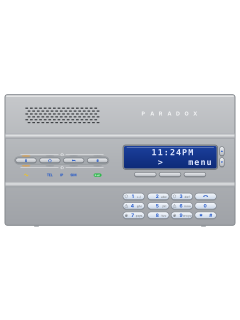
- Esprit E55 / E651 user guide, 1 installation manual and 2 more4 manuals
- K10 LED keypads1 quick guide1 manual
- K70M touchscreen1 installation manual1 manual
- K656 Touch Sense keypad1 user guide1 manual
- Magellan MG60601 user guide1 manual
- IP & cellular modules1 quick guide, 5 installation manuals and 29 more35 manuals
Is anyone watching your alarm?
An alarm that only makes a noise relies on someone hearing it. A monitored alarm reports to our A1 graded, NZSA approved control room, watched 24/7 by a team that is New Zealand owned and operated. We can monitor most existing alarms, so you may not need a new one. Thinking about a new alarm or security cameras? Ask us for a quote.
Prefer to talk now? Call us on 0800 339 999.
Home: alarm monitoringBusiness: business monitoringInstaller: bureau monitoring


Manuals are the property of their manufacturers and are provided for reference only; their inclusion here does not imply any endorsement by the manufacturer.