
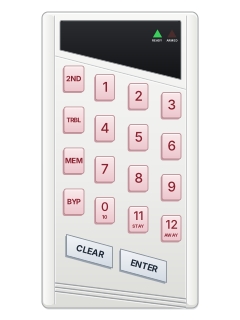
616LED keypad (narrow)

Paradox Esprit manuals
Start hereEsprit 636 keypad user manualUser guide · 28 pages · 189 KBRead it nowEsprit 728 / 738 / 748 cheat sheet
Arm (away)your code
- For 616, 626 and 633: open any cover; [10] enters zero. For 640 or PS1, use its own guide.
- Close every door and window. The green READY light must be on. Paradox calls this Regular arming.
- Key in your code. After a run of beeps the red ARMED light comes on, and READY flashes during the exit time (faster in the last 10 seconds).
- Need to leave a zone open? Press [AWAY], then your code (Force arming). That zone arms once it closes.
- If your installer has turned on one-key arming, holding the key marked 10 (the 0 key) for 2 seconds arms without a code.
Arm while homeSTAYyour codeorholdSTAY
- For 616, 626 and 633: open any cover; [10] enters zero. For 640 or PS1, use its own guide.
- Stay arming arms only the zones your installer made stay zones, such as doors and windows, so you can stay inside.
- Close those zones. Press [STAY] (key 11), then key in your code. The ARMED light comes on, and READY and [STAY] flash during the exit time.
- Holding [STAY] for 2 seconds during the exit time (Double Stay) makes the entry-delay zones instant: they set the alarm off at once.
- If your installer has turned on one-key stay arming, holding [STAY] for 2 seconds stay arms without a code.
Disarmyour code
- For 616, 626 and 633: open any cover; [10] enters zero. For 640 or PS1, use its own guide.
- Come in through your entry door. The keypad beeps while the entry time runs.
- Key in your code. The red ARMED light goes out and the beeping stops. One long beep means the code wasn't accepted: press [CLEAR] and try again.
- Your code also silences a fire alarm, which sounds as a pulsing siren. Ring your monitoring company if it's false.
- Split into two systems? [STAY] and your code disarms System A; [AWAY] and your code, System B.
Bypass a zoneBYPyour codezoneENTER
- For 616, 626 and 633: open any cover; [10] enters zero. For 640 or PS1, use its own guide.
- Each detector or door contact is a zone. A bypassed zone is left off when you arm. Fire zones can't be bypassed.
- Press [BYP], then key in your code. [BYP] lights, and so do any zones already bypassed. Press the zone's key to bypass it; press it again to undo.
- Press [ENTER], then arm as usual. [BYP] stays lit; the bypasses clear when you disarm.
- Same zones as last time? After [BYP] and your code, press [BYP] again, then [ENTER].
Alarm memoryMEM
- For 616, 626 and 633: open any cover; [10] enters zero. For 640 or PS1, use its own guide.
- [MEM] lights up if there was an alarm while the system was armed.
- Disarm, then press [MEM]. Read the lit zone keys on 616/626 or the separate zone indicators on 633.
- Press [CLEAR] to leave. On 616/626, a second [MEM] press opens an event list requiring a 642 LCD keypad.
- The alarms stay in memory until you arm and disarm again without an alarm.
Chime on or offholdzone
- For 616, 626 and 633: open any cover; [10] enters zero. For 640 or PS1, use its own guide.
- Chime makes the keypad beep quickly when that zone opens. It works for zones 1 to 6.
- Hold the zone's key ([1] to [6]) for 3 seconds. A run of beeps means chime is on; one long beep means off.
- Hold [8] for 3 seconds to chime the zone wired into the keypad itself.
- Each keypad is set on its own, and chimes need setting again after a total power loss.
Panic alarmhold1+3orhold4+6orhold7+9
- 616/626/633: use the numbered pairs. PS1: hold any two buttons together for two seconds. For 640, use its guide.
- Press both keys together for 2 seconds.
- [1] and [3] is the panic alarm, [4] and [6] the auxiliary alarm, and [7] and [9] the fire alarm.
- Your installer decides which ones work, and whether each is silent or sounds the siren.
Change a codeENTERmaster codeuser numbernew codeENTER
- For 616, 626 and 633: open any cover; [10] enters zero. For 640 or PS1, use its own guide.
- The master code or user 1's code can change codes. The master is 00; use the person's assigned user number. Limits vary by panel.
- Press [ENTER] and key in the master code: [ENTER] flashes. Key in the 2-digit code number, then the new 4- or 6-digit code, and press [ENTER].
- [ENTER] flashes again: do another code, or press [CLEAR] to finish.
- To delete a code: [ENTER], master code, the code number, [2ND], then [ENTER].
Set the timeENTERmaster codeMEMtimeENTER
- For 616, 626 and 633: open any cover; [10] enters zero. For 640 or PS1, use its own guide.
- Set the clock when [8] (Timer Loss) lights in the trouble display.
- Press [ENTER], key in the master code (or user 1's code), then press [MEM]. [MEM] flashes.
- Key in the time on the 24-hour clock, hours then minutes (8:30 pm is 20:30), then press [ENTER].
Trouble lightsTRBL
- For 616, 626 and 633: open any cover; [10] enters zero. For 640 or PS1, use its own guide.
- On an LED keypad, the trouble key lights: TRBL on a 616, 626 or 633; TBL on an older 636 or 646. The keypad may also beep.
- Press the trouble key to stop the beeps; on a 748, press [CLEAR] after it. LED keypads light the trouble numbers (see the table); LCD keypads show the trouble.
- [2ND] shows only troubles happening now; [CLEAR] clears old ones from memory.
- Ring your alarm company about anything except Timer Loss, which you can fix by setting the time.
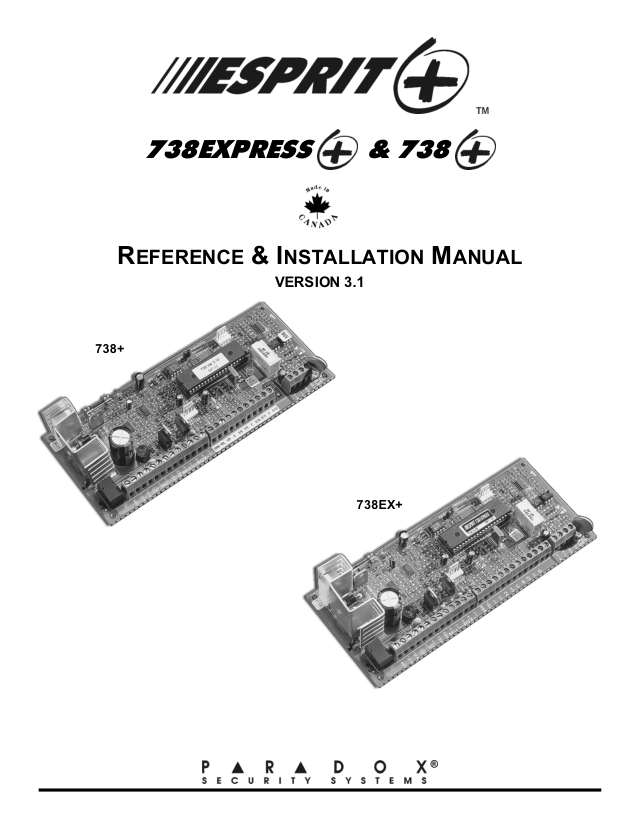
Pages 4, 18 and 19 of the Esprit 636 keypad user manualPage 1 of the 728 v3.1+[1] Backup battery missing or low [2] ([3] on older panels) Mains power failure [4] or [5] Siren or bell disconnected, or drawing too much current [6] Too much current on the auxiliary power output [7] Couldn't report to the monitoring company [8] Timer Loss: set the time again [9] A zone wiring fault or tamper [10] (the 0 key) or [11] Phone line fault, or trouble on the fire zone Send a test signalENTERmaster codeBYPENTER
- For 616, 626 and 633: open any cover; [10] enters zero. For 640 or PS1, use its own guide.
- Use it when your alarm company or installer asks. It needs the master code or user 1's code.
- Press [ENTER], key in the code, then press [BYP]. Press [ENTER] or [CLEAR] to finish.
- If your installer has set it up, this sends a test report to your monitoring company.
Why is my keypad beeping or showing a trouble light?
Most keypads beep or light up a trouble indicator when something needs attention, such as a low backup battery, a power cut or a lost phone or internet connection. Your user guide explains what each light or code means on your model. If it keeps happening, or you are not sure, call your installer or monitoring company.
All Paradox Esprit manuals
User guides 1
Installer manuals 21
Nothing here matches that.
Try a shorter search, or search every brand.
More Paradox models
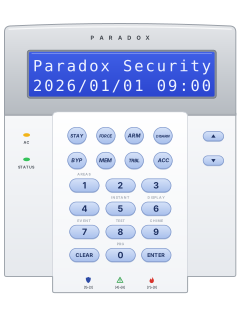
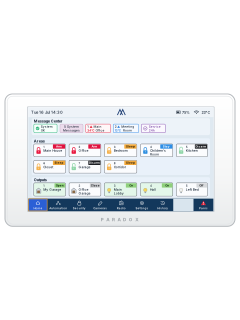
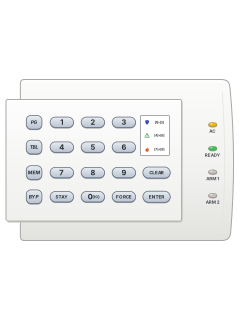
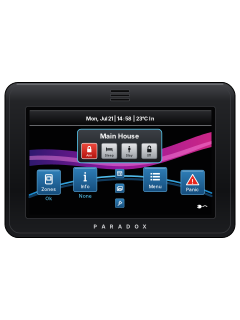
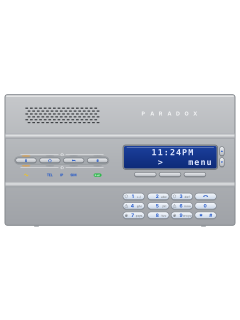
- Esprit E55 / E651 user guide, 1 installation manual and 2 more4 manuals
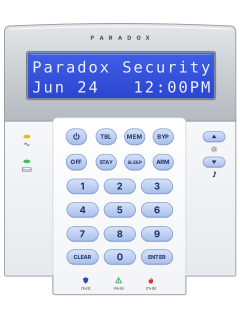
- K10 LED keypads1 quick guide1 manual
- K70M touchscreen1 installation manual1 manual
- K656 Touch Sense keypad1 user guide1 manual
- Magellan MG60601 user guide1 manual
- IP & cellular modules1 quick guide, 5 installation manuals and 29 more35 manuals
Is anyone watching your alarm?
An alarm that only makes a noise relies on someone hearing it. A monitored alarm reports to our A1 graded, NZSA approved control room, watched 24/7 by a team that is New Zealand owned and operated. We can monitor most existing alarms, so you may not need a new one. Thinking about a new alarm or security cameras? Ask us for a quote.
Prefer to talk now? Call us on 0800 339 999.
Home: alarm monitoringBusiness: business monitoringInstaller: bureau monitoring


Manuals are the property of their manufacturers and are provided for reference only; their inclusion here does not imply any endorsement by the manufacturer.