
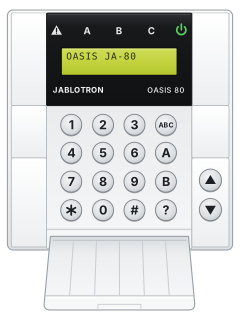
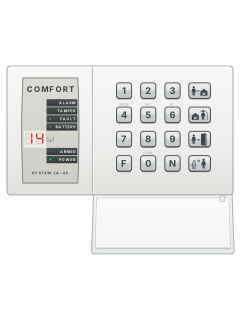
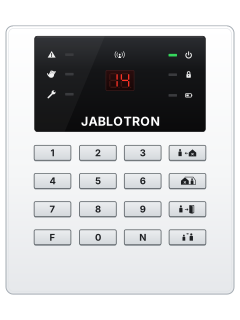
JA-80E / JA-81EOasis keypad

Jablotron JA 80 manuals
Start hereOasis GSM House Alarm User ManualUser guide · 23 pages · 1.3 MBRead it nowKeypad cheat sheet
Arm (away)your codeyour codeorABC
- Key in your code or show your card. If your installer allows setting without a code, [ABC] on an indoor keypad (or [*][1]) sets the whole system.
- An indoor keypad (JA-80E, JA-80F) beeps and shows 'Exit delay'; its A, B and C lights show which sections are set.
- Leave before the exit delay ends. If exit beeps are on, they get faster in the last 5 seconds.
- 'Triggered det.' means a detector is open: [?] shows which. Close it. If bypass confirmation is requested, [*] accepts; without that confirmation it won't set.
- The JA-80H outdoor keypad sets the system only if your installer set it up like an indoor keypad. Most often it only opens the door lock.
Arm while home*2or*3AorB
- JA-80H: use these commands only if configured for alarm control. In door-lock mode, use an indoor keypad or key-fob.
- Oasis calls this partial setting, if your installer has set it up. [*][2] (or [A] on an indoor keypad) sets section A; [*][3] (or [B]) sets A and B.
- [*][1] (or [ABC]) sets the whole system. If your system needs a code for these, key in your code or show your card after the key.
- Already part set? Set more with [*][3] or [*][1] (or [B] or [ABC]). The delayed zones give you an exit delay on the way out.
- The exit delay may be silent when you part set.
Disarmyour code
- Coming in starts the entrance delay: an indoor keypad shows 'Entrance delay' and may beep fast.
- Key in your code, show your card, or use your key-fob before the delay ends.
- Opened the door with the JA-80H outdoor keypad? If it only works the door lock, unset at an indoor keypad or with your key-fob during the delay.
- On an indoor keypad, a flashing warning triangle and a device name mean there was an alarm. Check the house with care.
- Your code, card or key-fob also stops an alarm that is sounding.
Bypass a zone*0master code1
- Use an indoor keypad: the menu needs its display. While unset, press [*][0] and the master code (or show the master card): maintenance mode.
- Press [1] for the bypass menu, then scroll to the detector with the arrow keys.
- Press [2] to bypass it until the next unset (the warning triangle flashes), or [3] until you cancel it (triangle steady). Press again to undo.
- [4] cancels every bypass. [#] leaves the menu, and [#] again leaves maintenance mode.
- Setting with a bypass in place shows 'bypass' on the keypad.
Alarm memory#or*4
- Use an indoor keypad; the JA-80H has no display. After an alarm, the flashing triangle and display identify the detector.
- Press [#] to clear it from the display once the alarm has stopped.
- [*][4] shows the most recent event on the display; keep pressing [4] to go back through the last 255 events.
- Alarm while you were out? Someone could still be inside. If in doubt, have your monitoring company check first.
Panic alarm*7your code
- On an indoor keypad, press [*][7], then your code or card, for a silent panic alarm and disarming.
- On a key-fob, press both padlock buttons together. A panic button, or a panic code or card, also works.
- Depending on set-up, the panel sends voice messages, texts and a report to your monitoring company.
Change a code*6master codeuser numbernew codeor*5master codenew codenew code
- Use an indoor keypad while the system is unset and not in maintenance mode.
- User codes: press [*][6], the master code, the user position (01 to 50), then the new 4-digit code. Or show a card instead of a code.
- To delete a code, key in 0000 as the new code.
- Master code: [*][5], the current master code, then the new code twice. It can't be 0000.
- Ten wrong codes in a row set off a tamper alarm.
Set the date and time*0master code4timedate#
- On an indoor keypad, while unset, press [*][0] and the master code to enter maintenance mode.
- Key in 4, then the time as 4 digits on the 24-hour clock, then the date as day, month, year (DDMMYY).
- For 7:45 pm on 28 September 2026 that's 4 1945 280926.
- Press [#] to leave maintenance mode.
Test the system*0master code
- On an indoor keypad, while unset, press [*][0] and the master code. Check that Maintenance mode is shown before testing.
- Set off the detectors one at a time. An indoor keypad's display shows each one.
- Test key-fobs and panic buttons the same way, but only in maintenance mode: at other times a panic button raises a real alarm.
- A motion detector may need up to 5 minutes before it reports again. If anything doesn't work, call your installer.
- Press [#] to leave maintenance mode. Test monthly.
Trouble lights?
- These are the lights on an indoor keypad (JA-80E, JA-80F). For the lights on the JA-80H outdoor keypad, see its own guide.
- [?] on an indoor keypad shows fault details, open doors and windows, and triggered detectors.
- Then deal with the cause it shows: close an open door or window, for example.
Pages 18 and 19, 22 of the JA-80 Installer manualPage 7 of the Oasis GSM House Alarm User ManualWarning triangle steady A fault: press [?] for the details Warning triangle flashing An alarm: its details are on the display Power symbol steady Mains power is OK Power symbol flashing No mains: the panel is on its backup battery A, B or C lit That section is set
Why is my keypad beeping or showing a trouble light?
Most keypads beep or light up a trouble indicator when something needs attention, such as a low backup battery, a power cut or a lost phone or internet connection. Your user guide explains what each light or code means on your model. If it keeps happening, or you are not sure, call your installer or monitoring company.
All Jablotron JA 80 manuals
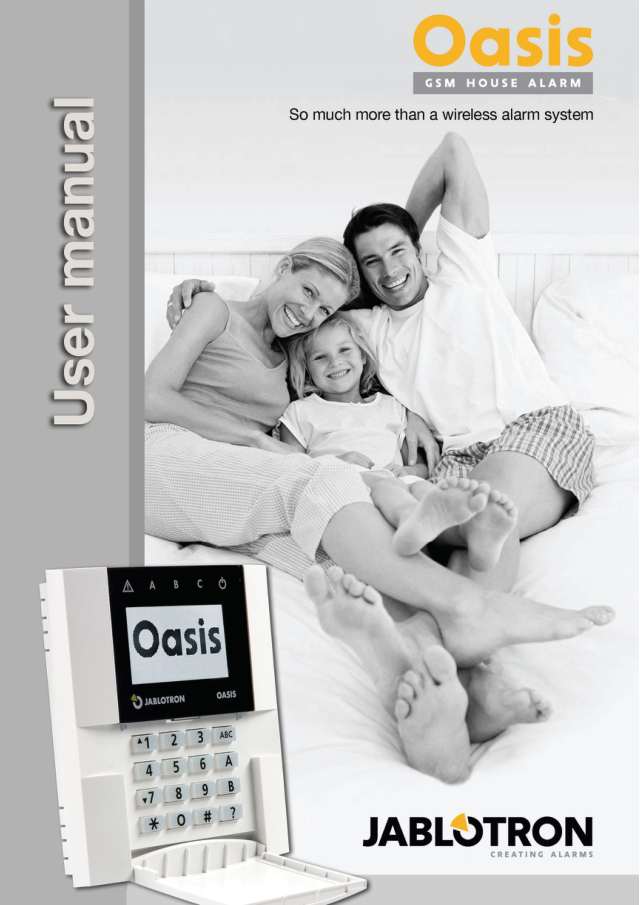
User guides 1
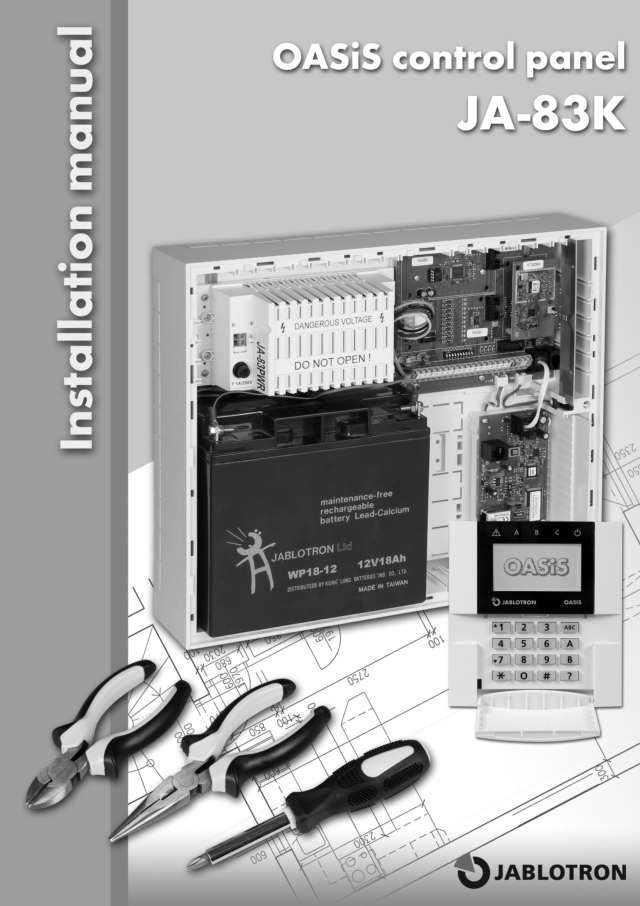
Installer manuals 2
Nothing here matches that.
Try a shorter search, or search every brand.
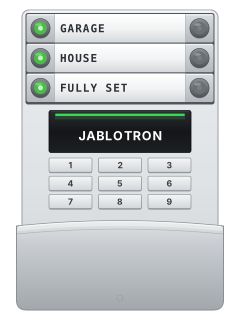
More Jablotron models
Is anyone watching your alarm?
An alarm that only makes a noise relies on someone hearing it. A monitored alarm reports to our A1 graded, NZSA approved control room, watched 24/7 by a team that is New Zealand owned and operated. We can monitor most existing alarms, so you may not need a new one. Thinking about a new alarm or security cameras? Ask us for a quote.
Prefer to talk now? Call us on 0800 339 999.
Home: alarm monitoringBusiness: business monitoringInstaller: bureau monitoring


Manuals are the property of their manufacturers and are provided for reference only; their inclusion here does not imply any endorsement by the manufacturer.