

DMP XR100 / XR500 manuals
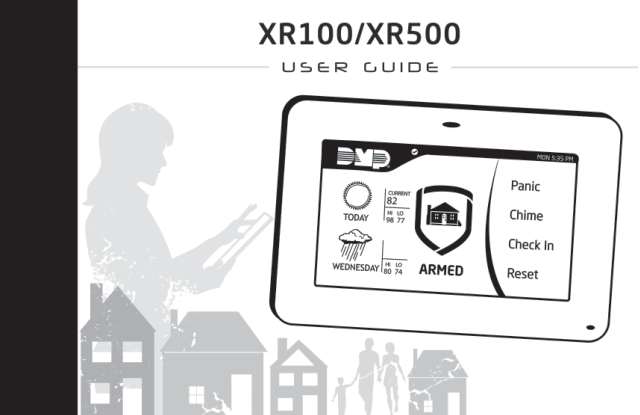
Start hereXR100/XR500 Security Command User's Guide LT-0683User guide · 78 pages · 6.7 MBRead it nowKeypad cheat sheet
Arm (away)hold1
- Close doors and windows. On Home/Sleep/Away and All/Perimeter systems, SYSTEM READY shows when everything is closed.
- Shortcut: hold [1] for 2 seconds, then key in your code if asked. It works on Home/Sleep/Away and All/Perimeter systems.
- Or key in your 4-digit code: at HOME SLEEP AWAY (or PERIM ALL), press the select key under AWAY (or ALL).
- ALL SYSTEM ON shows, then the exit countdown. Exit beeps, if set up, speed up in the last 10 seconds.
- Area systems: press [CMD] until ARM DISARM shows, pick ARM, key in your code if asked, then pick YES at ALL?.
Arm while homehold3orhold7orhold6
- HOME (PERIM on some systems) arms the doors and windows, so you can move about inside.
- SLEEP arms the inside too, but leaves the areas near the bedrooms off.
- Shortcuts: hold [3] (HOME), [7] (SLEEP) or [6] (PERIM) for 2 seconds, then enter your code if asked.
- Or key in your code, then press the select key under HOME, SLEEP or PERIM. HOME SYSTEM ON, SLEEP SYSTEM ON or PERIMETER ON shows.
- To drop the entry delay, press the select key under INSTNT during the exit countdown. An entry door then alarms at once.
Disarmyour code
- Come in by an entry door. The keypad sounds a prewarn tone and shows ENTER CODE:.
- Key in your code: the tone stops at the first digit. Area systems: press [CMD], then pick YES at ALL?.
- The keypad shows any alarms from while you were out, then ALL SYSTEM OFF.
- Burglary alarm on an All/Perimeter or Home/Sleep/Away system? Enter your code. At IS THIS A FALSE ALARM? or CANCEL VERIFY, pick YES or CANCEL if it's false.
- Real burglary? Pick NO or VERIFY instead, which tells the monitoring centre the alarm is real.
Bypass a zone
- Each detector or door contact is a zone. Priority zones and fire, panic or other always-on zones can't be bypassed.
- Arming with a zone open shows its name and OKAY BYPASS STOP. Select BYPASS; enter an authorised code if asked.
- Ahead of time: [CMD] until MENU? NO YES, pick YES, key in your code, press [CMD].
- Then [CMD] until BYPASS ZONES?, any select key, the zone number, and BYPS. Bypasses end when you disarm.
Pages 19 and 20, 25, 28, 31 of the XR100/XR500 Security Command User's Guide LT-0683OKAY BYPASS STOP BYPASS: the zone stays off until you disarm. OKAY: arm anyway; the zone rejoins when it closes. STOP: stop arming so you can close it ZONE: - RST BYPS After the zone number, BYPS bypasses that zone and RST puts it back Alarm memory
- When you disarm, the keypad shows any zones that went into alarm while you were out.
- To check later: [CMD] until MENU? NO YES, pick YES, key in your code and press [CMD].
- Press [CMD] until ZONE STATUS?, any select key, then ALR: zones that alarmed in this or the last armed period.
- DISPLAY EVENTS, in the same menu, lists past events from up to 45 days back.
Pages 25, 28, 31, 47, 55 and 56 of the XR100/XR500 Security Command User's Guide LT-0683ALR, TBL or RST in an event An alarm, a trouble, or back to normal FRST LST PRT SRT In DISPLAY EVENTS: LST starts with the newest event; the Back Arrow key steps back through them Chime on or offhold5
- The panel calls chime Zone Monitor: the keypad chimes and shows the zone's name as it opens.
- With the system disarmed, hold [5] for 2 seconds. MONITOR ON (with a chime) or MONITOR OFF shows.
- The shortcut covers the doors and windows, or the exit zones on an area system.
- To choose other zones, use ZONE MONITOR? in the user menu.
Reset smoke detectorshold2
- Smoke and glassbreak detectors stay latched after an alarm until they're reset.
- Clear the smoke first, or the alarm will start again.
- Hold [2] for 2 seconds, and key in your code if asked. SENSORS OFF, then SENSORS ON shows.
- SENSOR RESET in the user menu does the same.
Panic alarmhold7+0
- Keypad panic is an option. If your installer set it up, Police, Emergency and Fire icons show below the top row of select keys.
- Hold the two select keys next to the icon for 2 seconds, until the keypad beeps. Police is the left-hand pair.
- Touchscreen keypad: touch the POLICE, EMERGENCY or FIRE icon for 2 seconds, until it beeps.
- Thinline and Aqualite keypads can also be set up to send a panic when you hold [7] and [0] together. Not on Thinline Icon or Wireless keypads.
Change a code
- You need a code that's allowed to change codes. [CMD] until MENU? NO YES, pick YES, key in your code, press [CMD].
- Press [CMD] until USER CODES?, press any select key, then pick CHG.
- Key in the user number and press [CMD]. At USER CODE, press a select key, key in the new code, press [CMD].
- Keep or change the name and profile, pressing [CMD] after each. USER # CHANGED confirms it.
- Systems that show HOME SLEEP AWAY or PERIM ALL use 4-digit codes. A code can't start with 0.
Pages 28, 38 and 39 of the XR100/XR500 Security Command User's Guide LT-0683ADD DEL CHG BAT CHG changes an existing user's code USER NUMBER: The user's number, not their code Trouble lights
- A trouble sounds a steady keypad tone and shows TRBL with a description. Press any select key to quiet it.
- Quieting the tone doesn't fix the fault. The table lists common messages.
- XR500: until the trouble is cleared, the tone sounds again at 10 am each day.
- SYSTEM STATUS? in the user menu shows AC POWER, BATTERY and TAMPER as OKAY or TRBL. TRBL: call your alarm company.
Pages 8, 13 to 15, 33 of the XR100/XR500 Security Command User's Guide LT-0683Pages 44, 77 of the DMP XR500 installationWired Thinline/Aqualite: power light on Mains power and battery are OK Wired Thinline/Aqualite: power light off Mains power trouble: call your alarm company Wired Thinline/Aqualite: power light blinking Battery trouble: call your alarm company Armed light on At least one area is armed TRANSMIT FAIL Ten tries to reach the monitoring centre failed: check the phone line is connected and working (zone name) - LOBAT, or - MISNG LOBAT: that wireless device's battery is low. MISNG: the panel isn't hearing from it ALARM NOT SENT You disarmed before the alarm was reported, so it wasn't sent SYSTEM TROUBLE or SERVICE REQUIRED Part of the system has a fault: call your alarm company Send a test signal
- SYSTEM TEST? in the user menu tests the siren, keypads and battery, and the link to your monitoring company's central station.
- Your code must be allowed to run System Test. Press [CMD] until MENU? NO YES, press the select key under YES, key in your code, press [CMD].
- Press [CMD] until SYSTEM TEST?, then any select key. XR500N/E: at SYSTEM PANICS, press the select key under SYSTEM.
- The siren, then the keypads, sound for 2 seconds. It won't run while any area is armed; local (unmonitored) systems skip the transmit test.
Pages 28, 33 and 34, 37 of the XR100/XR500 Security Command User's Guide LT-0683BELL SOUNDING The siren sounds for 2 seconds KEYPAD SOUNDING The keypads sound their burglary alarm tone for 2 seconds BATTERY - OKAY or TRBL The backup battery's condition TRANSMIT TEST NO: 1 Sending the test to the central station (the Back Arrow key ends it) TRANSMIT OKAY The test got through TRANSMIT FAILED The test didn't get through TEST END The system test is finished
Why is my keypad beeping or showing a trouble light?
Most keypads beep or light up a trouble indicator when something needs attention, such as a low backup battery, a power cut or a lost phone or internet connection. Your user guide explains what each light or code means on your model. If it keeps happening, or you are not sure, call your installer or monitoring company.
All DMP XR100 / XR500 manuals
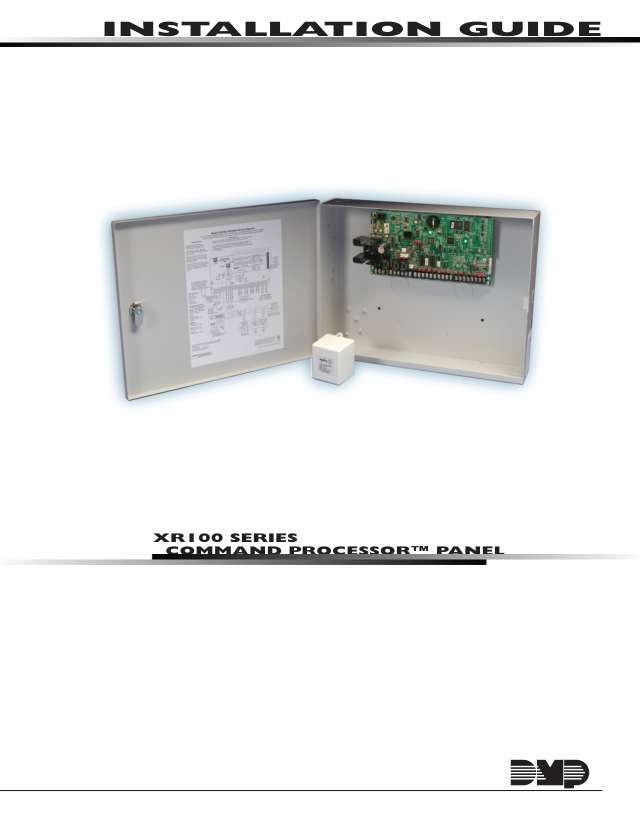
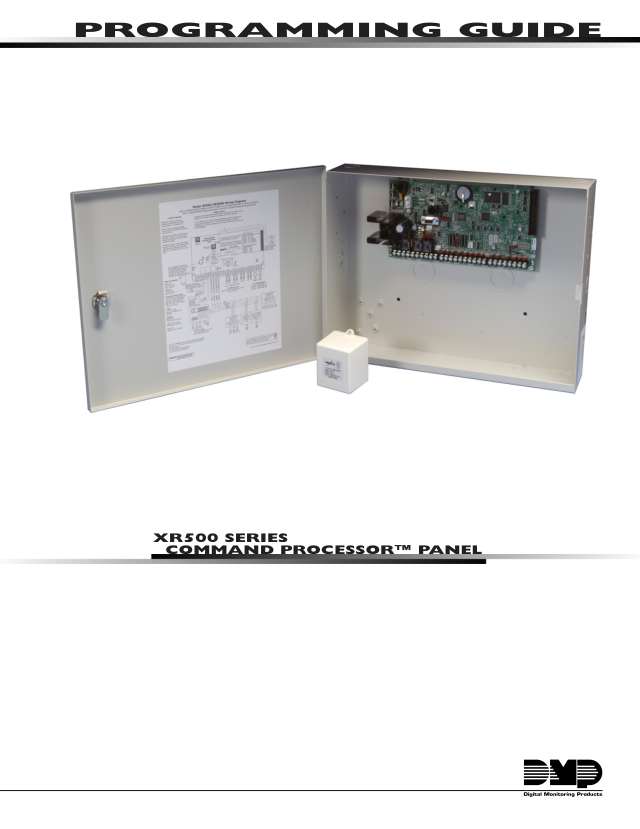
Installer manuals 3
Nothing here matches that.
Try a shorter search, or search every brand.
Is anyone watching your alarm?
An alarm that only makes a noise relies on someone hearing it. A monitored alarm reports to our A1 graded, NZSA approved control room, watched 24/7 by a team that is New Zealand owned and operated. We can monitor most existing alarms, so you may not need a new one. Thinking about a new alarm or security cameras? Ask us for a quote.
Prefer to talk now? Call us on 0800 339 999.
Home: alarm monitoringBusiness: business monitoringInstaller: bureau monitoring


Manuals are the property of their manufacturers and are provided for reference only; their inclusion here does not imply any endorsement by the manufacturer.