

Radionics D6412 D9412 manuals
Start hered623 keypad user guideUser guide · 50 pages · 1.4 MBRead it nowKeypad cheat sheet
Arm (away)All OnorCmd1
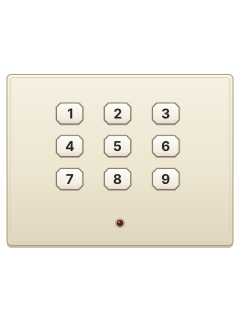
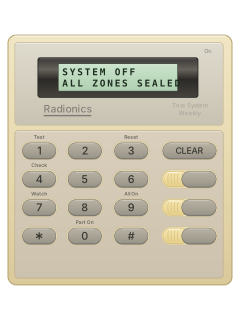
- On a D621, D623 or D625: Close doors and windows. A text keypad shows OK for All On when everything is ready.
- Press [All On], or [Cmd] then [1]. Key in your passcode if the keypad asks for it.
- The exit time starts and the keypad beeps. Leave now. Your passcode during the countdown stops it arming.
- In the last 10 seconds it gives a double beep every second, and a text keypad says Do not exit. Then the system is All On.
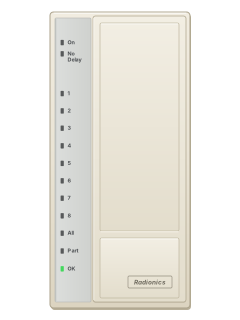
- On an LED keypad, the All light stays on while the system is All On.
Arm while homePart OnorCmd2
- On a D621, D623 or D625: Part On arms only the points your alarm company chose, such as the doors and windows. You can stay inside.
- Press [Part On], or [Cmd] then [2], and key in your passcode if asked. A text keypad counts down, then shows Part On.
- [Cmd] then [3] arms Part 2 instead: a set of points you pick yourself with [Cmd] [6] [5].
- To arm with no entry or exit delay, press [No Delay] during the countdown.
- On an LED keypad, the Part light is on when armed, or flashes slowly when armed with no delay.
Disarmyour code
- On a D621, D623 or D625: Come in by your usual entry door. The keypad double-beeps to remind you to disarm.
- Key in your passcode before the entry time runs out.
- The D621 All or Part light goes out. A D623/D625 text keypad returns to its normal message and its On light goes out.
- Alarm sounding? Your passcode silences it and disarms. If it was a mistake, ring your alarm company.
- If you key your passcode in before the alarm dials out, the report is cancelled.
Bypass a zoneBypasszone*thenCmd
- On a D621, D623 or D625: Each detector or door contact is a point. Bypass points with the system off, before you arm.
- Press [Bypass] and key in your passcode if asked. A text keypad lists the points you can bypass.
- Key in the point number, then [*]: for point 10, press [1] [0] [*]. Repeat for any others.
- Press [Cmd] to finish. On an LED keypad, bypassed points flash.
- To put a point back, do the same again with its number.
Alarm memoryCmd40
- On a D621, D623 or D625: After an alarm, your passcode silences it. Hold [Cmd] to clear the alarm messages from the keypad.
- With the system off, press [Cmd], then [4], then [0], and your passcode if asked.
- A D623/D625 lists the points that went off. A D621 flashes their lights fast; it shows only points 1 to 16.
- Abort, or a slowly flashing light, means the alarm was cancelled before it was reported.
- To clear the memory, arm the system, then disarm it.
Chime on or offCmd61then1or2
- On a D621, D623 or D625: The panel calls this Watch: a tone when a watched door or window opens while the system is off.
- With the system off, press [Cmd], then [6], then [1], and your passcode if asked.
- Press [1] to turn Watch on, or [2] to turn it off. Press [Cmd] to finish.
- Pick the watched points with [Cmd] [6] [3], and the tone with [Cmd] [6] [2]. Fire and 24-hour points can't be watched.
Reset smoke detectorsCmd47
- On a D621, D623 or D625: Fire alarm? Get everyone out and check for smoke or fire. Your passcode silences the alarm.
- Once it's safe, with the system off, press [Cmd], then [4], then [7]. Key in your passcode if asked.
- The reset takes about 20 seconds. A text keypad shows Resetting..., then its normal message.
- If a point won't reset, contact your alarm company.
Panic alarm
- On a D621, D623 or D625, use the emergency key labelled by your alarm company for the alarm you need.
- If that emergency function is enabled, press its key twice within 2 seconds.
- The guide calls the three keys A, B and C, but your alarm company labels their jobs.
Page 7 of the d623 keypad user guidePage 8 of the D6412 D4412 D3412 with LED keypadEmergency keys (A, B and C) Your alarm company can set each one for a fire, panic or emergency alarm, and labels the key with its job Change a codeCmd55your codenew codenew code
- On a D621, D623 or D625, use this only if enabled and with your alarm company’s guidance. Disarm, then press [Cmd] [5] [5].
- Key in your current code, then the new one. It must have the same number of digits.
- Key the new code in again. Code changed shows on a text keypad; an LED keypad gives the OK tone.
- An error tone means that code can't be used: try a different one.
- Other people's codes are changed with [Cmd] [5] [6], if your code has that authority.
Trouble lightsCmd4
- On a D621, D623 or D625: A trouble gives a repeating warble tone. A text keypad shows Trouble and tells you to press Cmd 4 to view.
- Disarm first if the system is on. Then press [Cmd], then [4]: the tone stops and the troubles show.
- A text keypad names each trouble. On an LED keypad, the point lights show which (see the table).
- Press [Cmd] to finish.
Pages 8, 19, 26 of the d623 keypad user guidePages 10, 22, 29 of the D6412 D4412 D3412 with LED keypadLight 1 Weekly test due: test your system Light 2 System trouble: press [2] to see which Light 3 Your alarm company is connected by phone to program the system Light 5 Date and time lost: press [5], then key in the month, day and year (2 digits each) and the 24-hour time Light 6 Running on the backup battery: mains power is off Light 8 A point has a fault: press [8] to see which Light 10 Alarm memory: press [0] to see what went off Status light flashing slowly Mains power failure, another system trouble, or the keypad was moved from its area Send a test signalCmd41
- Ring your security company first. With the system off, press [Cmd], [4], [1], then your passcode if asked.
- This system test runs only the parts your installer chose. The bell may sound for 2 to 3 seconds.
- If your installer included the phone test, it sends a test report. That part can take up to 10 minutes.
- A text keypad shows Phone Test passed or failed. An LED keypad's light 4 stays on if done, flashes fast if failed.
- [*] skips a part; [Cmd] stops them all. A finished test also clears the weekly test reminder.
Why is my keypad beeping or showing a trouble light?
Most keypads beep or light up a trouble indicator when something needs attention, such as a low backup battery, a power cut or a lost phone or internet connection. Your user guide explains what each light or code means on your model. If it keeps happening, or you are not sure, call your installer or monitoring company.
All Radionics D6412 D9412 manuals
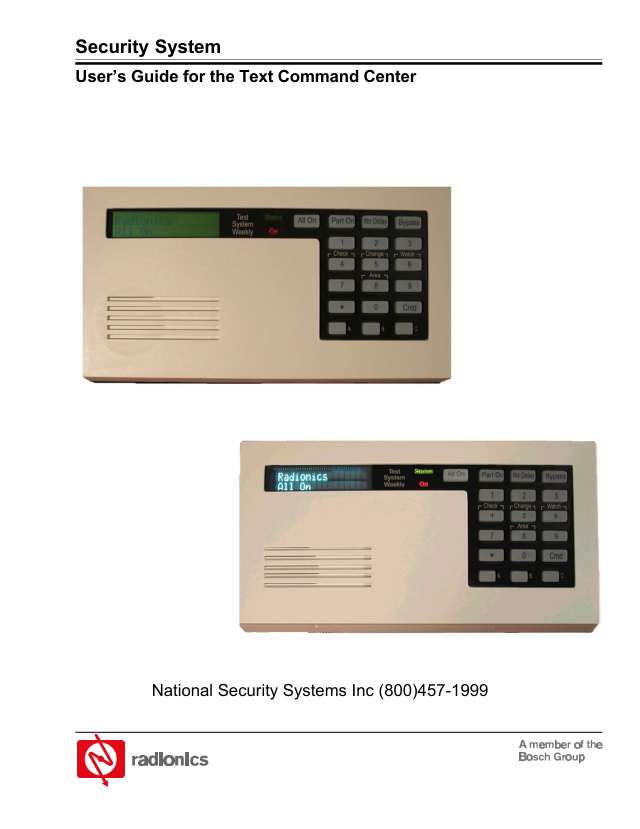
User guides 1
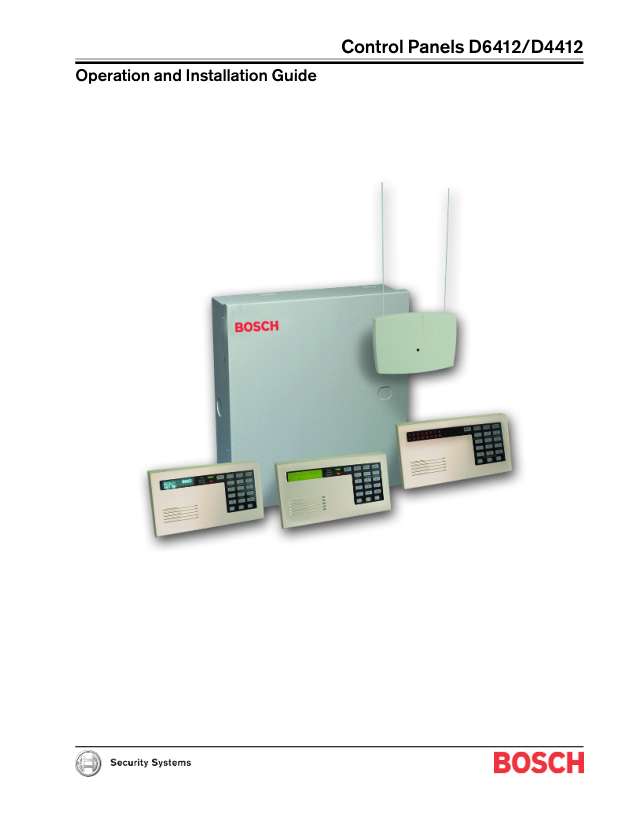
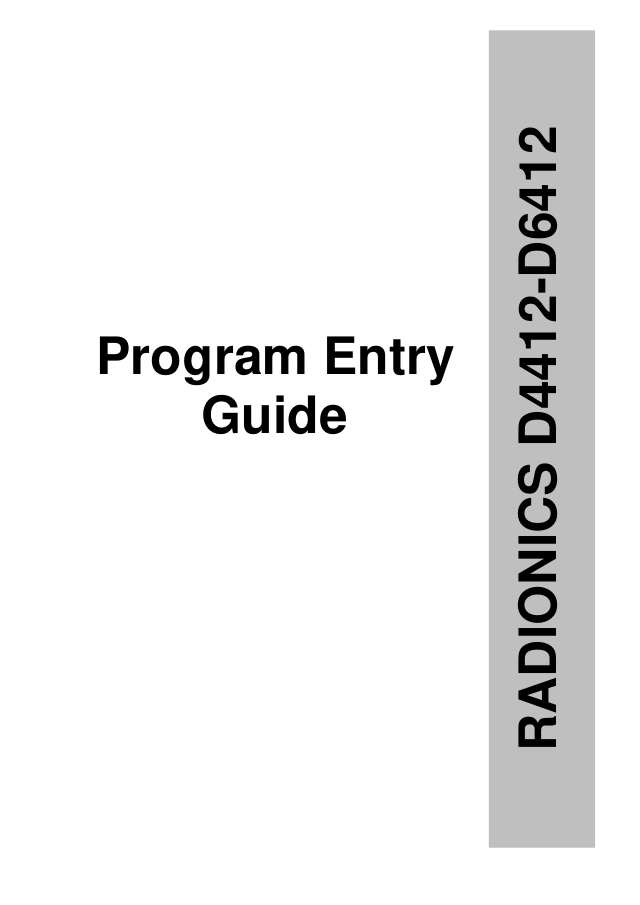
Installer manuals 5
Nothing here matches that.
Try a shorter search, or search every brand.
More Radionics models
Is anyone watching your alarm?
An alarm that only makes a noise relies on someone hearing it. A monitored alarm reports to our A1 graded, NZSA approved control room, watched 24/7 by a team that is New Zealand owned and operated. We can monitor most existing alarms, so you may not need a new one. Thinking about a new alarm or security cameras? Ask us for a quote.
Prefer to talk now? Call us on 0800 339 999.
Home: alarm monitoringBusiness: business monitoringInstaller: bureau monitoring


Manuals are the property of their manufacturers and are provided for reference only; their inclusion here does not imply any endorsement by the manufacturer.