
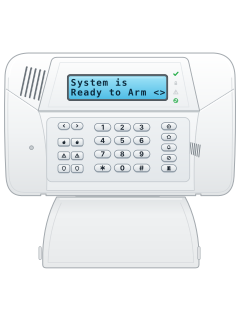
SCW9055 / SCW9057All-in-one wireless panel

DSC Impassa manuals
Start hereImpassa userUser guide · 28 pages · 2.7 MBRead it nowKeypad cheat sheet
Arm (away)your codeyour codeorholdthe key with a house on it
- Button keypads (WTK5504 touchscreen: see its own guide). Close doors and windows and stop movement. The Ready light (tick) should be on.
- On SCW9055/SCW9057, enter your code, or hold the key with a house on it for 2 seconds. Enter your code if asked.
- The Armed light comes on. Leave through the entry/exit door before the exit time ends; beeps depend on installer settings.
- When the time is up, Ready goes out, Armed stays on and the keypad goes quiet.
- Changed your mind? Key in your code to stop the arming.
Arm while home*9your codeholdthe key with a house with a person in it on ityour codeor*9your code
- SCW9055/SCW9057 only. WTK5504 touchscreen: ask your installer for its guide.
- With Ready on, hold the key with a house with a person in it on it until it beeps, about 2 seconds. Enter your code and stay inside.
- When the exit time ends, Ready goes out, Armed stays on and a bypass message shows.
- [*][9] then your code arms with no entry delay.
- Once Stay-armed, [*][1] arms inside zones except Night zones; disarm before entering those areas.
Disarmyour code
- Button keypads (WTK5504 touchscreen: see its own guide). Key in your code. If the keypad is dark, press any key first to wake it.
- Coming in, the keypad sounds a steady tone. Disarm before the entry time runs out.
- Wrong code? A 2-second error tone sounds. Press [#] and try again.
- Alarm by mistake? Key in your code to silence it, then ring your monitoring company.
Bypass a zone*12-digit zone#
- Button keypads (WTK5504 touchscreen: see its own guide). A bypassed zone cannot set off the alarm.
- With the system disarmed, press [*][1]. Key in your code if the keypad asks.
- Enter the zone as 2 digits (05 for zone 5), or scroll to it and press [*].
- [0][0] clears every bypass and [9][9] brings back the last lot.
- Press [#] to finish. Disarming clears bypasses except on 24-hour zones; use Clear Bypass to remove those.
Alarm memory*3
- Button keypads (WTK5504 touchscreen: see its own guide). After an alarm, the keypad shows 'Alarm Memory'.
- Press [*][3], then scroll with the arrow keys to see which zones went off. Press [#] to leave.
- To clear the memory, arm and then disarm the system.
- If it went off while you were out, the memory shows as you disarm. Go carefully: someone may still be inside.
Chime on or off*4*4orholdthe key with a bell on it
- SCW9055/SCW9057: press [*][4], or hold the key with a bell on it for 2 seconds. WTK5504: ask your installer for its guide.
- Three beeps means door chime is on; one long tone means it's off.
Panic alarmholdthe key with a shield on it+the key with a shield on it
- SCW9055/SCW9057 only. WTK5504 touchscreen: ask your installer for its guide.
- Hold both the key with a shield on it keys, bottom left, together for 2 seconds.
- The keypad beeps to confirm the alarm was accepted and transmission has started.
- The flame pair sends Fire; the triangle pair sends Auxiliary. Auxiliary is not for medical calls.
- Emergency keys only work if your installer has programmed them.
Pages 7, 9, 21 of the Impassa userPage 8 of the Alexor useFlame keys Fire alarm Triangle keys Auxiliary alarm (not for medical calls) Shield keys Panic alarm Change a code*5master codeuser numbernew code#
- Button keypads (WTK5504 touchscreen: see its own guide). Disarm first. Press [*][5], then the master code. The Armed light comes on.
- Key in the 2-digit user number (01 to 16, or 40 for the master code), or scroll and press [*].
- Key in the new 4- or 6-digit code.
- To delete a user code and its tag, press [*] as the first digit. The master code cannot be deleted.
- Key in another user number, or press [#] to finish.
Set the date and time*6master code1timedate#
- Button keypads (WTK5504 touchscreen: see its own guide). Press [*][6], then the master code, then [1]. Or scroll to the time and date option and press [*].
- Key in the time as 4 digits in 24-hour form: 1430 for 2:30 pm.
- Then key in the date as 6 digits, month first (MMDDYY): 28 September 2026 is 092826.
- Press [#] to finish.
- Seeing 'Loss of Time & Date' in the [*][2] trouble list? Press [*] there to go straight to setting it.
Trouble lights*2
- Button keypads (WTK5504 touchscreen: see its own guide). A trouble turns on the Trouble light (triangle) and the keypad beeps every 10 seconds. [#] stops the beeps.
- Press [*][2]. The Trouble light flashes; scroll with the arrow keys to read each trouble.
- On a WT5500 wireless keypad, a Trouble light flashing outside the [*][2] menu means its batteries are low: replace them.
- Most troubles need a service call. A lost clock you can fix yourself by setting the time.
Pages 11, 18, 21 of the Impassa userService Required Low battery, system trouble, tamper or radio jamming. Press [1] for more, then call for service Loss of AC Power Mains power is off: check the power connection. The system runs on battery for several hours Telephone Line Fault or Failure to Communicate The panel can't use the phone line or reach the monitoring station Module/Sensor Fault A detector, keypad or siren has a problem. Press [5] to see which Module/Sensor Tamper A device has been tampered with. Press [6] to see which Module/Sensor Low Battery A wireless device needs new batteries. Press [7] to see which Loss of Time & Date All power was lost. Set the time and date again Panel Response Not Received The keypad has lost radio contact with the panel. Call for service if it keeps happening Send a test signal*6master code4
- Button keypads (WTK5504 touchscreen: see its own guide). Ring your monitoring company before and after the test.
- Disarm, then press [*][6], the master code, then [4]. This runs the System Test.
- It sends a test report to your monitoring company, if your installer has programmed one.
- The built-in siren sounds for 4 seconds, medium then full, and any indoor or outdoor sirens for 2. The keypad lights come on; press [#] to leave.
Why is my keypad beeping or showing a trouble light?
Most keypads beep or light up a trouble indicator when something needs attention, such as a low backup battery, a power cut or a lost phone or internet connection. Your user guide explains what each light or code means on your model. If it keeps happening, or you are not sure, call your installer or monitoring company.
All DSC Impassa manuals
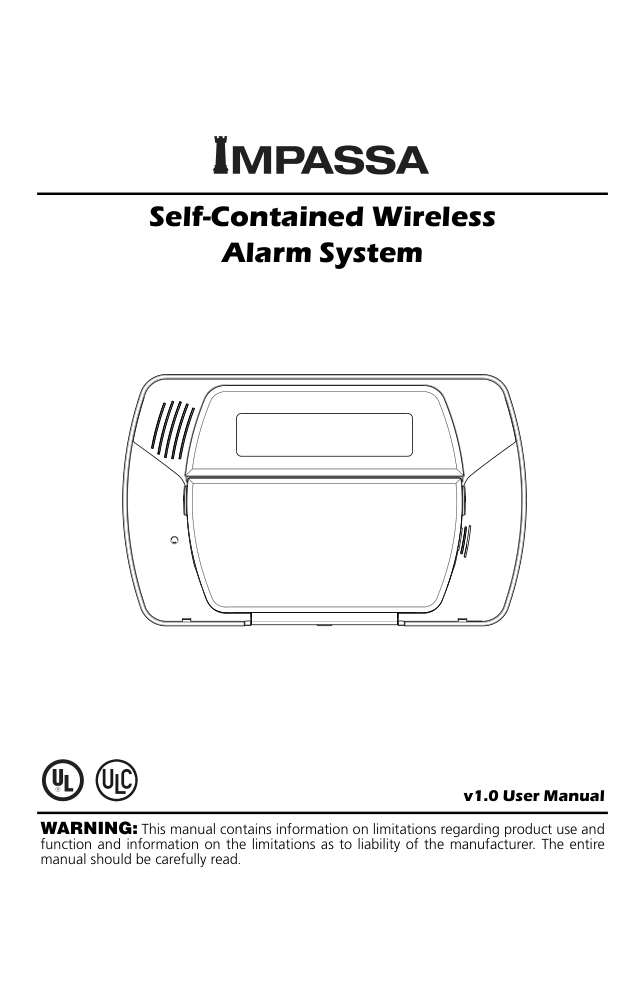
User guides 1
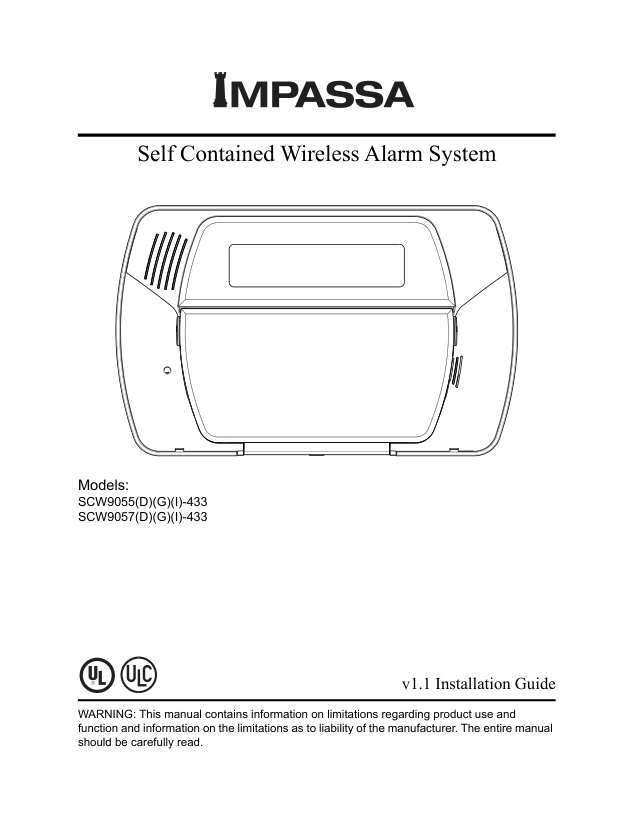
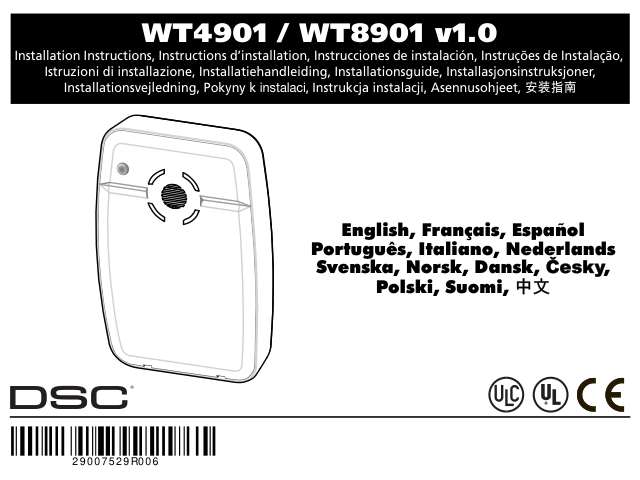
Installer manuals 3
Nothing here matches that.
Try a shorter search, or search every brand.
More DSC models

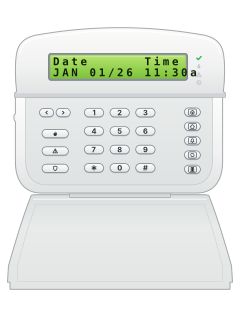
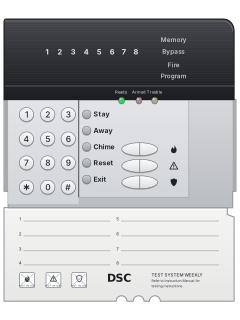
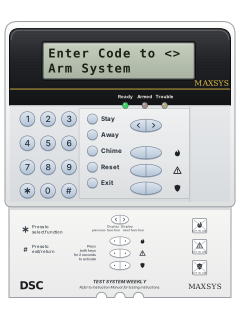
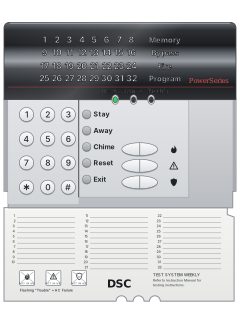
PowerSeries PC5532Z LED keypad, flap open (PC5516Z keys are the same)
PowerSeries PC5010 / PC5020 / 832
21 manuals
Also fitsPC1565, 4 manuals
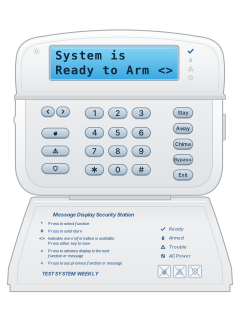
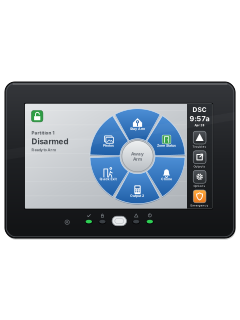
- Wireless2 user guides, 3 installation manuals and 2 more7 manuals
- Keypads1 user guide and 4 other manuals5 manuals
- Envoy1 user guide, 1 installation manual and 2 more4 manuals
- PC10001 user guide and 1 installation manual2 manuals
- PC14041 user guide and 1 installation manual2 manuals
- PC20001 installation manual and 1 manual2 manuals
- WLS9001 user guide and 1 installation manual2 manuals
- SCW9045 / SCW90471 installation manual1 manual
- IP & cellular modules1 quick guide, 4 installation manuals and 9 more14 manuals
Is anyone watching your alarm?
An alarm that only makes a noise relies on someone hearing it. A monitored alarm reports to our A1 graded, NZSA approved control room, watched 24/7 by a team that is New Zealand owned and operated. We can monitor most existing alarms, so you may not need a new one. Thinking about a new alarm or security cameras? Ask us for a quote.
Prefer to talk now? Call us on 0800 339 999.
Home: alarm monitoringBusiness: business monitoringInstaller: bureau monitoring

Manuals are the property of their manufacturers and are provided for reference only; their inclusion here does not imply any endorsement by the manufacturer.